Multiprocessing in Python Tutorial: Processes, Pools and Queues with Examples
Build three complete multiprocessing programs, trace how results move between processes, and learn when process startup and data transfer outweigh parallel work.
KnowledgeGate Team
Exam prep & CS education
Updated 16 Sep 20266 min read
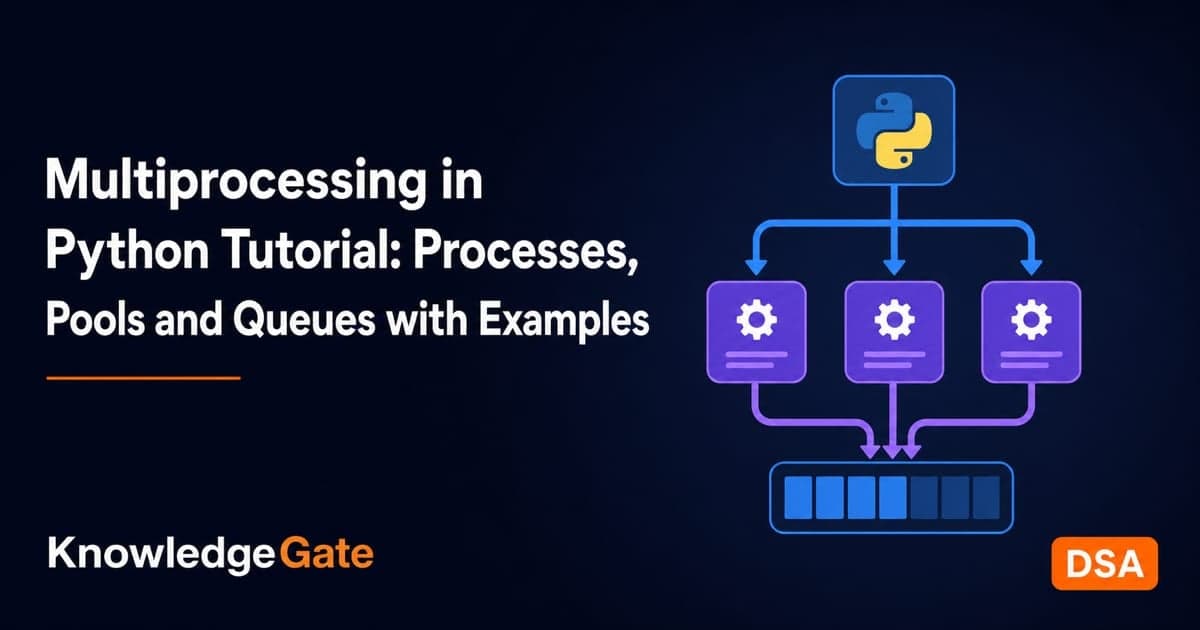
A CPU-heavy loop does not become faster just because its function runs in a worker. A first script can repeat work or fail when its entry point and data flow are unclear. Use Process for custom workers, Pool for repeated calls, Queue for messages and results, and a lock for shared state.
Related reading: Python multithreading and threads and process creation.
What multiprocessing changes and when it is worth using
Python's official multiprocessing documentation describes separate processes that can use multiple processors. Each worker has its own interpreter and memory, while threads share a process. Threads and process creation and process states and lifecycle teach operating-system concepts, not Python syntax.
Keep a 20-item arithmetic demo sequential; startup dominates. Consider processes for CPU-heavy chunks, such as rendering eight images or evaluating four large ranges. For 100 waiting network requests, threads or asynchronous I/O may fit better. Workload size, data transfer, and available processors decide whether processes help.
Before writing worker code:
Put worker functions at module level.
Pass serialisable arguments.
Create processes only inside
if __name__ == "__main__":.
Start-method defaults differ by Python version and platform, so do not assume one default. For a wider path, explore the Coding & DSA courses.
Start three processes and collect deterministic results with a Queue
Save this program as a .py file and run it:
from multiprocessing import Process, Queue

def count_primes(start, end, results):
    count = 0
    for number in range(start, end + 1):
        if number >= 2 and all(
            number % divisor != 0
            for divisor in range(2, int(number**0.5) + 1)
        ):
            count += 1
    results.put(((start, end), count))

if __name__ == "__main__":
    results = Queue()
    ranges = [(2, 20), (21, 40), (41, 60)]
    workers = [
        Process(target=count_primes, args=(*bounds, results))
        for bounds in ranges
    ]

    for worker in workers:
        worker.start()

    answers = [results.get() for _ in workers]

    for worker in workers:
        worker.join()

    print(sorted(answers))
The output is:
[((2, 20), 8), ((21, 40), 4), ((41, 60), 5)]The parent creates three workers. They find 8 primes from 2 through 20, 4 from 21 through 40, and 5 from 41 through 60. Each worker puts one range-and-count tuple on the process-safe queue. The parent makes exactly three get() calls. Arrival order can vary, but sorted(answers) makes the display deterministic. These small ranges keep the trace checkable; enlarge them only when measuring process overhead against useful CPU work.
start() launches a worker, while join() waits for it. join() does not return the target's value, so the queue transports results. A parent list does not receive mutations made to a child's separate copy.
Reuse workers with Pool and split one calculation into chunks
A pool keeps workers available for repeated calls:
from multiprocessing import Pool

def sum_squares(start, end):
    return sum(number * number for number in range(start, end + 1))

if __name__ == "__main__":
    ranges = [(1, 5), (6, 10), (11, 15), (16, 20)]

    with Pool(processes=4) as pool:
        subtotals = pool.starmap(sum_squares, ranges)

    print(subtotals)
    print(sum(subtotals))
The exact output is:
[55, 330, 855, 1630]
2870
Squares from 1 through 5 total 55; 6 through 10 total 330; 11 through 15 total 855; and 16 through 20 total 1630. Thus, 55 + 330 + 855 + 1630 = 2870. starmap unpacks tuple arguments and collects results in input order.
This small example is traceable, not evidence of a speed-up. A pool pays for startup, dispatch, serialisation, and result transfer. Four equal independent chunks give four workers useful work; 20 one-number tasks add needless coordination here.
![Four Pool workers sum the squares of ranges (1,5), (6,10), (11,15), (16,20) into [55, 330, 855, 1630], totalling 2870.](https://cdn.knowledgegate.ai/blog-assets/blog_asset_1784217724625_4lmpci.jpg)
Share as little state as possible, and lock the state you must share
Prefer independent inputs and returned or queued results. Use Queue for messages, Pipe for a two-end connection, Value or Array for small primitives, and a manager only when a higher-level proxy is necessary. More sharing creates more races.
Here three workers calculate private subtotals, then lock one shared update:
from multiprocessing import Process, Value, Lock

def add_batch(total, lock, values):
    subtotal = sum(values)
    with lock:
        total.value += subtotal

if __name__ == "__main__":
    total = Value("i", 0)
    lock = Lock()
    batches = [[1, 2, 3], [4, 5, 6], [7, 8, 9]]
    workers = [
        Process(target=add_batch, args=(total, lock, batch))
        for batch in batches
    ]

    for worker in workers:
        worker.start()
    for worker in workers:
        worker.join()

    print(total.value)
The locked output is 45, because the private subtotals are 6, 15, and 24, and 6 + 15 + 24 = 45. Each process sums its own batch before taking the lock, so only one shared read-add-write is protected per worker. Without the lock, two workers can read the same old total and one update can overwrite another. See process synchronisation and semaphores for the operating-system foundation; Python Lock mechanics come from the official reference.
Common multiprocessing errors and how to fix them
Five common symptoms have direct fixes:
Symptom | Cause | Fix |
|---|---|---|
Repeated spawning or a bootstrapping error | Process creation is outside the main guard | Move the creation code under |
| The worker is nested or is a lambda | Use a module-level |
A parent list remains | A child changed only its own memory | Return or queue |
Expected work is not observed before exit | The parent neither collects nor waits | Retrieve results and join workers |
A new pool appears on every loop iteration | Pool creation is inside the loop | Put one |
Avoid three performance traps. Time complete sequential and process versions on the real workload, not only the teaching example. Send compact immutable inputs or coarse chunks, not one huge mutable object per task. Start with at most one worker per useful chunk and measure.
For visible failures, handle errors in the parent, inspect Process exit codes, and retrieve pool results so exceptions surface. Multiprocessing does not make code deterministic, thread-safe, or fault-tolerant.
How interviews and exams test multiprocessing
First, predict the queue example. Three child processes send three messages, but raw arrival order is unknowable. Sorting must produce [((2, 20), 8), ((21, 40), 4), ((41, 60), 5)]. Why cannot join() produce the tuples? Process completion is separate from result transport.
Next, trace a chunk: sum_squares(2, 4) returns 2^2 + 3^2 + 4^2 = 4 + 9 + 16 = 29. Pool.starmap(sum_squares, [(1, 2), (3, 4)]) returns [5, 25] because it preserves input-task order.
Finally, consider a labelled measurement. If a CPU job takes 8.0 seconds sequentially and 2.8 seconds with four processes, speed-up is 8.0 / 2.8 = 2.857...x, displayed as 2.86x. Using that displayed value, efficiency is 2.86 / 4 = 71.5% (71.4% if full precision is kept). Startup, serialisation, coordination, and non-parallel work explain why it is below 4x. Use the official reference for API and platform-specific behaviour.
Exercises, short version and the next step
Try each change before reading its answer:
Add the range
(61, 80)as a fourth process. Check: its queued tuple is((61, 80), 5)for primes61, 67, 71, 73, 79.Split cubes from
1through12into(1,3),(4,6),(7,9),(10,12). Check: subtotals are[36, 405, 1584, 4059], and36 + 405 + 1584 + 4059 = 6084.Change the shared-total batches to
[2, 4],[6, 8], and[10, 12]. Check: private subtotals6 + 14 + 22produce a locked total of42.
Use Process for a few custom workers, Pool for many calls to one top-level function, Queue for messages and results, and Value plus Lock only for minimal shared primitive state. Stay sequential for tiny work, or use waiting-oriented concurrency for mostly I/O. Measurement decides whether processes are worthwhile.
Your next action is to build the Python foundation and practise language concepts. Save the pool example as a script, predict its four subtotals on paper, run it, then increase the workload and time both sequential and pooled versions.
Keep learning

Paging and TLB Explained: Address Translation, EMAT and Exam Traps
Follow one virtual address from its VPN through the TLB to a physical frame, then calculate page-table size, TLB reach and effective memory access time.
Updated 4 Oct 20266 min readOperating Systems
Operating System Scenarios: Solve Scheduling, Concurrency, and Page Replacement
Learn one state-trace method for three common OS problem families, then apply it to complete Round Robin, concurrency, FIFO, and LRU examples.
Updated 29 Sep 20265 min readOperating Systems

Tower Research Hiring Process: Stage-by-Stage Prep for Quant and Dev Roles
Prepare for a Tower Research application without treating one online account as a universal process. Use this role-led map, worked drills, and seven-day plan.
Updated 25 Sep 20265 min readOperating Systems

Capital One Recruitment Process: Stage-by-Stage Guide for India Applicants
Prepare for a Capital One India application with a cautious five-stage map, worked technical and case drills, and a practical 14-hour schedule.
Updated 24 Sep 20265 min readOperating Systems