TCP/IP Model Explained: Four Layers, Worked Encapsulation and Exam Traps
Learn the four TCP/IP layers through one complete packet journey. The worked example calculates headers, MTU fit, frame efficiency and serialization time step by step.
KnowledgeGate Team
Exam prep & CS education
Updated 15 Sep 20266 min read62 views
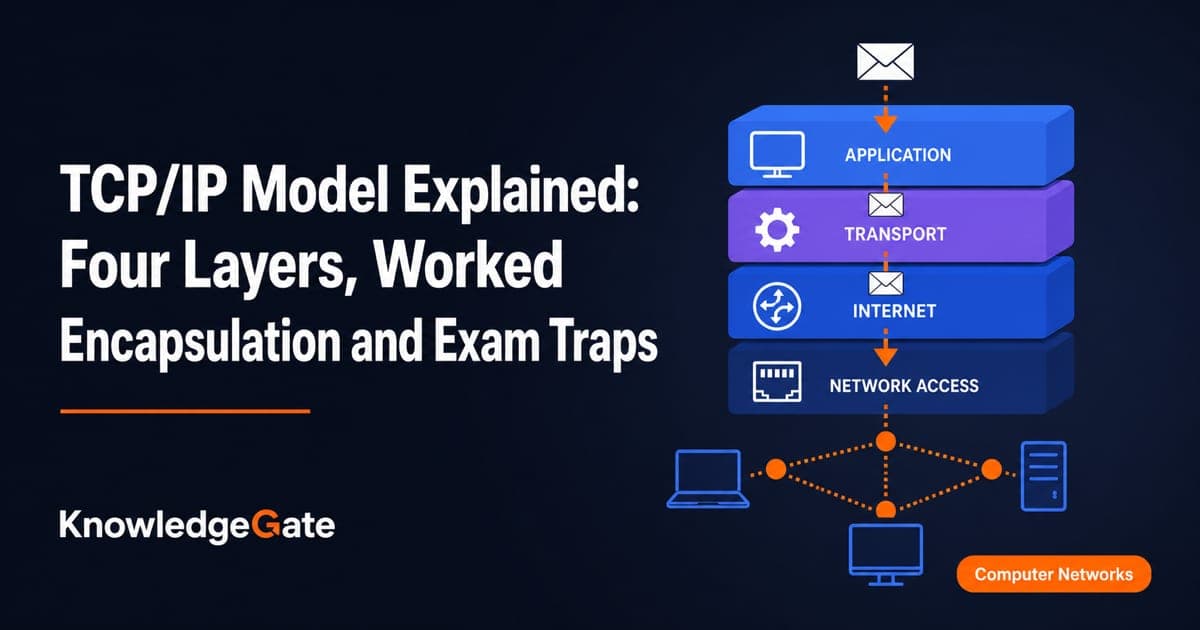
The TCP/IP layer names are easy to memorise, but that alone rarely settles a question. You must know which header is added, which identifier selects a process, and what a router changes between links. The four TCP/IP layers connect an application message to an Ethernet frame through transport, Internet, and network-access processing. You can classify protocols and calculate encapsulation overhead without guessing. Use GATE CS Exam Preparation when you want to place this topic inside the wider subject route.
Related reading: TCP and UDP transport questions and transmission and propagation delay.
TCP/IP model: the four layers and the job of each
A layer is a responsibility boundary. It offers a service to the layer above and uses a service from the layer below. In the standard four-layer TCP/IP view, the order from top to bottom is Application, Transport, Internet and Network Access.
TCP/IP layer | Main job | Data unit | Example protocols | Identifier or scope |
|---|---|---|---|---|
Application | User or network service | Message | HTTP, DNS | Application name or data |
Transport | Process-to-process delivery | TCP segment or UDP datagram | TCP, UDP | Port number |
Internet | Host-to-host forwarding across networks | IP packet | IPv4, ICMP | IP address |
Network Access | Delivery on the current link | Frame, then bits | Ethernet, Wi-Fi | Link-layer address and physical signal |
Some textbooks split Network Access into Data Link and Physical, producing a five-layer teaching model. That is a presentation difference, not a new end-to-end protocol stack. An HTTP message is carried by TCP, the TCP segment is carried by IP, and the IP packet is carried by a link-layer frame.
TCP/IP protocols and services: what belongs where
A service is what a layer provides. A protocol is the set of rules and messages used to provide it. Reliable, ordered byte delivery is a service TCP offers to an application. TCP is the protocol whose endpoints exchange headers, acknowledgements and data to supply that service.
HTTP and DNS belong to Application. TCP and UDP belong to Transport. IPv4 and ICMP belong to Internet, while Ethernet and Wi-Fi belong to Network Access. DNS remains an application-layer protocol whether it uses UDP or TCP underneath. ARP is treated at the Internet-to-link boundary in many textbooks, so use the convention stated in the question instead of forcing it into one universal box. The Application Layer Protocols: DNS and HTTP Guide develops the first pair in more detail.
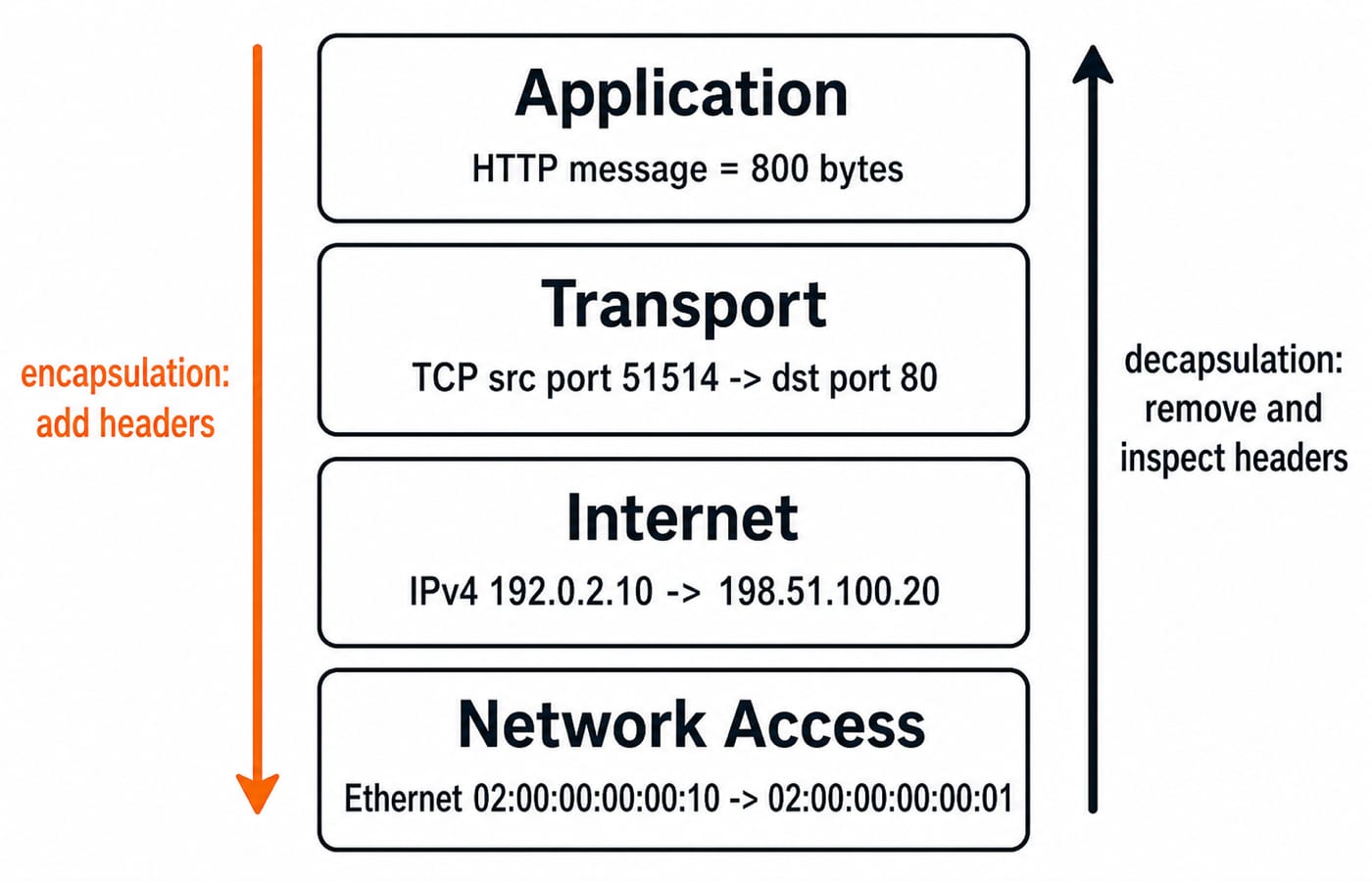
IP offers best-effort packet delivery between addressed hosts. Ethernet carries that IP packet across only the current link. A socket endpoint combines an IP address with a transport port, so this example connects client 192.0.2.10:51514 to server 198.51.100.20:80.
TCP/IP encapsulation worked example: 800 bytes become an 858-byte frame
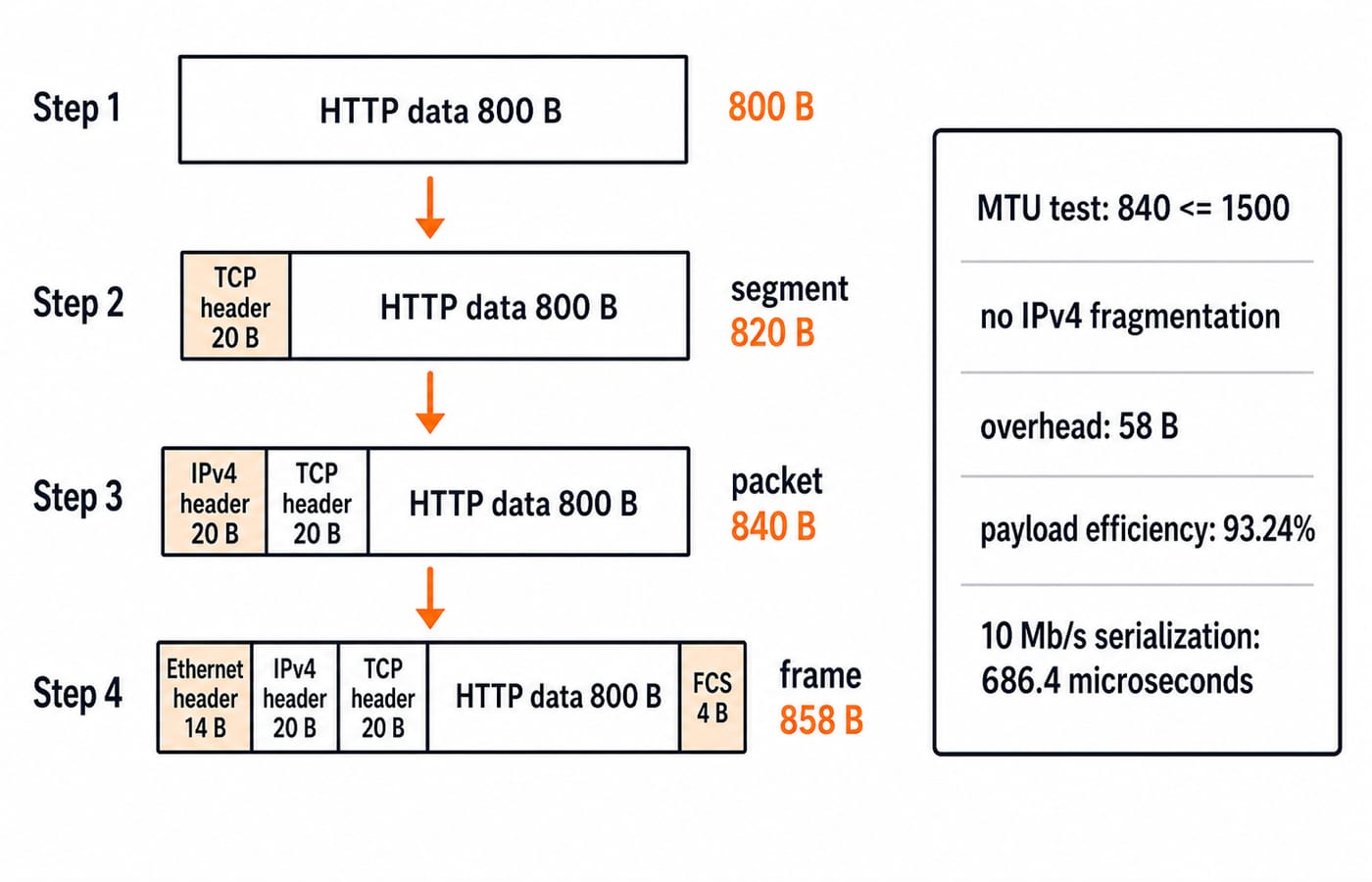
Assume the browser creates an 800-byte HTTP message. TCP adds a 20-byte header with no options, and IPv4 adds a 20-byte header with no options. Ethernet II adds a 14-byte header and a 4-byte frame check sequence (FCS). Exclude the preamble, start-frame delimiter and inter-packet gap. The link MTU is 1,500 bytes and applies to the IP packet carried as Ethernet payload.
Calculate from the inside out:
TCP segment size:
800 + 20 = 820 bytes.IPv4 packet size:
820 + 20 = 840 bytes.Ethernet frame size:
14 + 840 + 4 = 858 bytes.
The IP packet fits because 840 <= 1,500, so this example needs no IPv4 fragmentation. Total encapsulation overhead at the frame boundary is 858 - 800 = 58 bytes. Payload efficiency is 800 / 858 x 100 = 93.24% after rounding to two decimal places.
On a 10 Mb/s link, the 858 frame bytes contain 858 x 8 = 6,864 bits. Serialization time is 6,864 / 10,000,000 = 0.0006864 seconds = 686.4 microseconds, under the exclusions stated above. Keep 820, 840 and 858 separate because each is the size observed at a different layer.
TCP/IP packet trace across a router: what changes and what stays
On the first Ethernet link, the client uses source MAC 02:00:00:00:00:10 and sends to the router at destination MAC 02:00:00:00:00:01. Inside the frame, the IPv4 source is 192.0.2.10, the IPv4 destination is 198.51.100.20, the TCP source port is 51514, and the TCP destination port is 80.
The router removes the first link-layer header and trailer, inspects the destination IP and chooses the next link. It decrements IPv4 TTL from 64 to 63, updates the IPv4 header checksum, and builds a new Ethernet frame. That frame uses source MAC 02:00:00:00:00:02 on the router's outgoing interface and destination MAC 02:00:00:00:00:20 for the server.
Without NAT, the IP endpoints and TCP ports remain end to end. MAC addresses are hop by hop. The decisive trap is that the first frame targets the default gateway's MAC address, not the remote server's MAC address, although the IP packet already names the remote server. IP Addressing and Subnetting Explained gives the wider addressing context.
TCP/IP model versus OSI model: map without forcing a false match
The OSI model is a seven-layer reference model. TCP/IP is the practical protocol-suite model used here, so the mapping is conceptual rather than a claim that every real protocol fits one perfect box. OSI vs TCP/IP Model for GATE works the comparison from the OSI side, layer by layer with its own encapsulation trace; the table below is the compressed mapping you need while reasoning inside the four-layer view.
TCP/IP layer | Broad OSI mapping |
|---|---|
Application | Application, Presentation, Session |
Transport | Transport |
Internet | Network |
Network Access | Data Link, Physical |
Encryption or representation may be discussed under OSI Presentation, but it normally sits on the TCP/IP Application side. Routing belongs to TCP/IP Internet or OSI Network, not Transport. Framing belongs to TCP/IP Network Access or OSI Data Link, not Internet.
Use this recall line: application meaning, transport process, internet host route, network access next link.
TCP/IP exam questions: classification, headers and address scope
The five prompts test layer, identifier, routing, destination change, and frame size.
Which layer contains DNS? Application.
Which identifier selects the server process? Destination port
80.Which layer makes the routable 840-byte unit? Internet, which creates the IP packet.
Which destination changes at the router in this example? The link-layer MAC destination.
What is the frame size for the stated message and headers?
858 bytes.
Common distractors confuse a service with the protocol implementing it, call an IP packet a frame, charge Ethernet bytes against the IP MTU, assume the remote host's MAC crosses routers, or force the four-layer TCP/IP model into seven separate labels. Notice that the MTU comparison uses 840 bytes, while the final frame-size answer uses 858 bytes.
For focused transport-layer practice, solve TCP and UDP MCQs: 12 Solved Transport Layer Questions and explain why each wrong option belongs to a different layer or address scope.
TCP/IP model: the short version and the next step
Retrieve the model in four lines: message -> segment or datagram -> packet -> frame; port -> process; IP -> end host and route; MAC -> current link. With the stated headers, an 800-byte message becomes an 858-byte Ethernet frame. It fits a 1,500-byte MTU because the IP packet is 840 bytes.
GATE Guidance by Sanchit Sir provides a structured route through Computer Networks and the wider GATE CS sequence. Next, redraw both diagrams from memory, then recompute the ladder after changing only the application payload to 1,000 bytes.
Keep learning
Computer Networks Hardware Basics: Devices, Domains and Worked Examples
Learn what hubs, switches, routers, gateways and access points actually do, then count network domains and trace frames through a two-LAN topology.
Updated 6 Oct 20266 min readComputer Networks
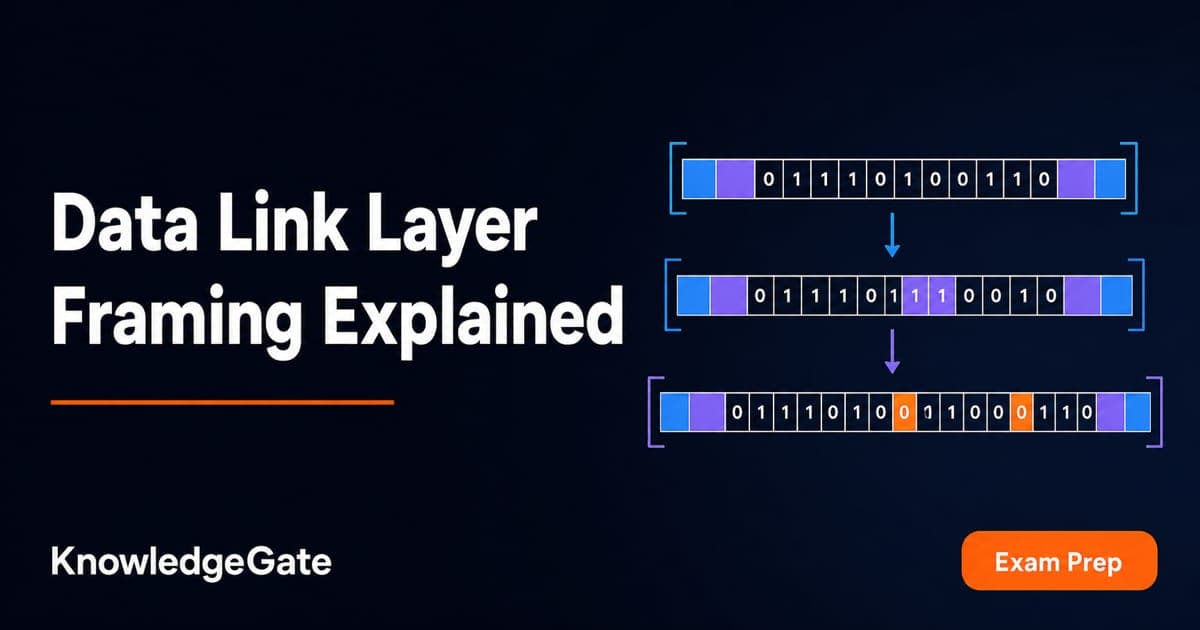
Data Link Layer Framing Explained: Byte Stuffing, Bit Stuffing and a Cross-Concept Numerical
Frame one four-byte payload in two ways, decode it, and then reuse the verified frame sizes in link-load and Stop-and-Wait calculations.
Updated 1 Oct 20266 min readComputer Networks
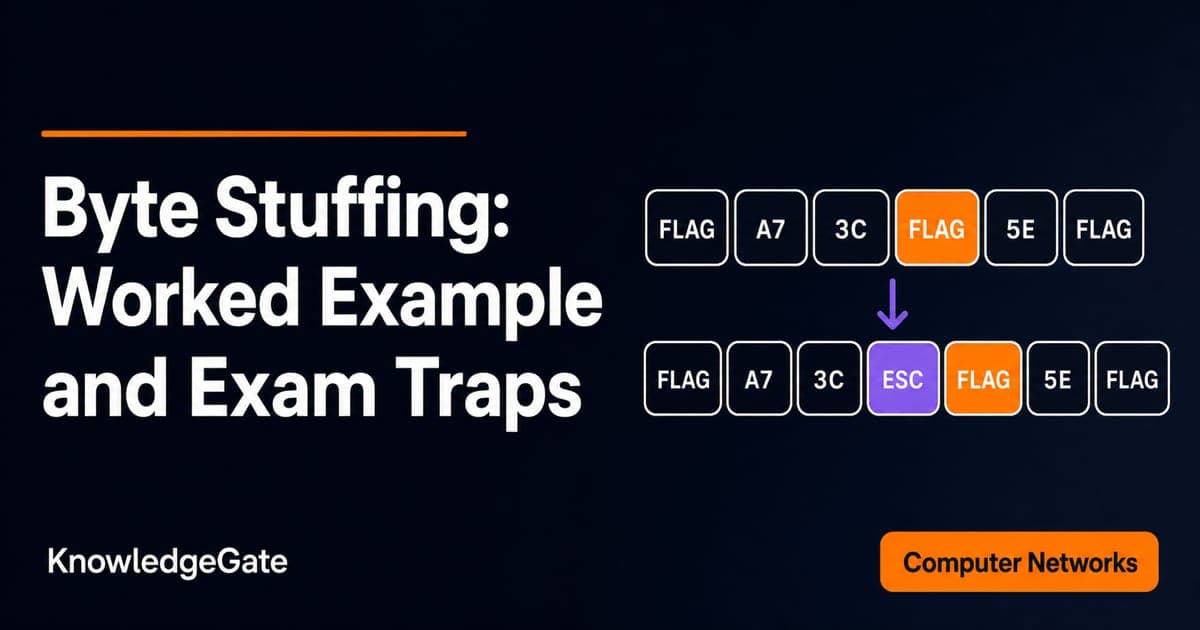
Byte Stuffing in Computer Networks: Worked Framing Example and Exam Traps
Learn a precise byte-stuffing convention, trace a payload containing both FLAG and ESC, reverse it safely, and calculate frame overhead and transmission time.
Updated 26 Sep 20266 min readComputer Networks
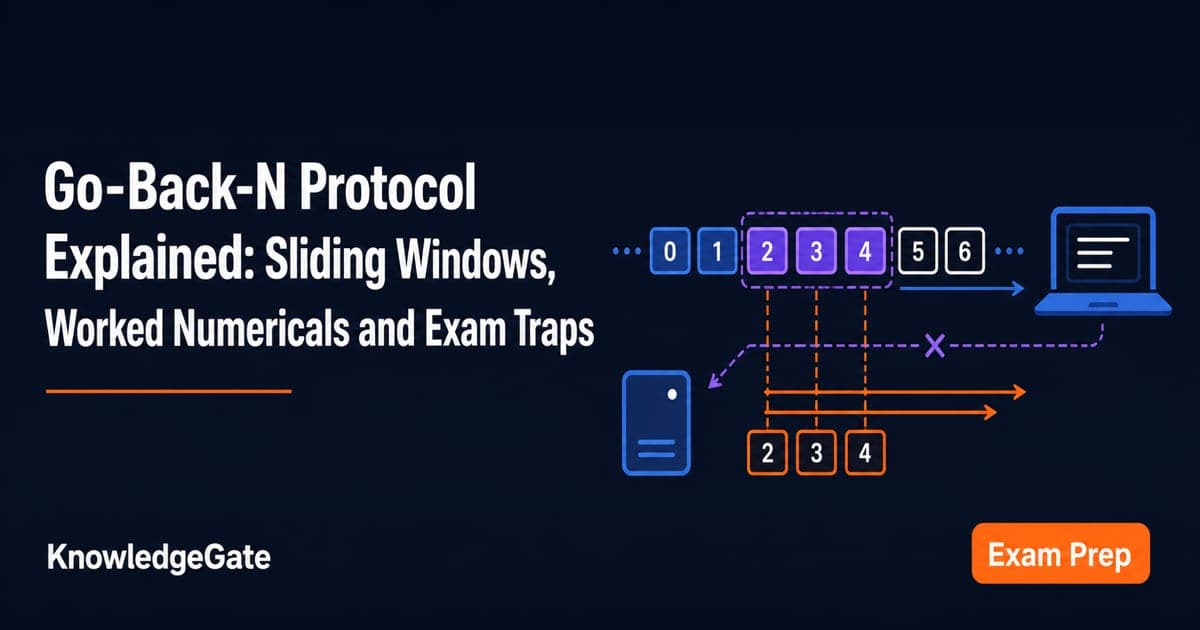
Go-Back-N Protocol Explained: Sliding Windows, Worked Numericals and Exam Traps
Trace Go-Back-N through a lost frame, calculate its legal window and link utilisation, and avoid the ACK and wrap-around traps that spoil numericals.
Updated 24 Sep 20266 min readComputer Networks