OSI vs TCP/IP Model for GATE: Which Layer Does What, with PYQ Traps
Map every OSI and TCP/IP layer to its function, PDU, address and device. Then trace an HTTP request through encapsulation and fix the usual layer traps.
KnowledgeGate Team
Exam prep & CS education
Updated 24 Jul 20266 min read57 views
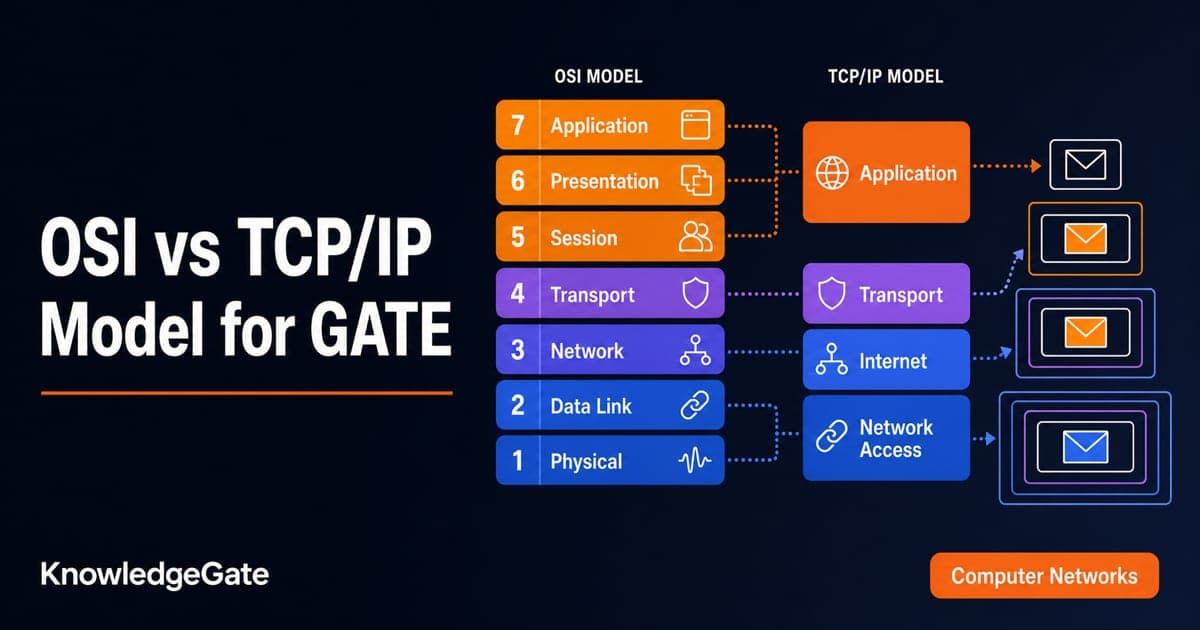
The OSI versus TCP/IP question is rarely just "list the layers". It asks which layer routes a packet, where flow control happens, which address a switch reads, or why TCP/IP has fewer named layers.
Students lose these marks because some functions occur at more than one layer and three OSI layers collapse into one TCP/IP layer. The cure is to connect each layer with its function, protocol data unit, address and device.
The two network stacks, mapped
The OSI reference model has seven layers, from top to bottom: Application, Presentation, Session, Transport, Network, Data Link and Physical. The TCP/IP model normally has four: Application, Transport, Internet and Link, also called Host-to-Network.
Many textbooks show a five-layer teaching model. It separates the TCP/IP Link layer into Data Link and Physical layers. That is useful for learning, but it does not create new TCP/IP functions.
The mapping is systematic:
OSI Application, Presentation and Session map to TCP/IP Application.
OSI Transport maps to TCP/IP Transport.
OSI Network maps to TCP/IP Internet.
OSI Data Link and Physical map to TCP/IP Link.
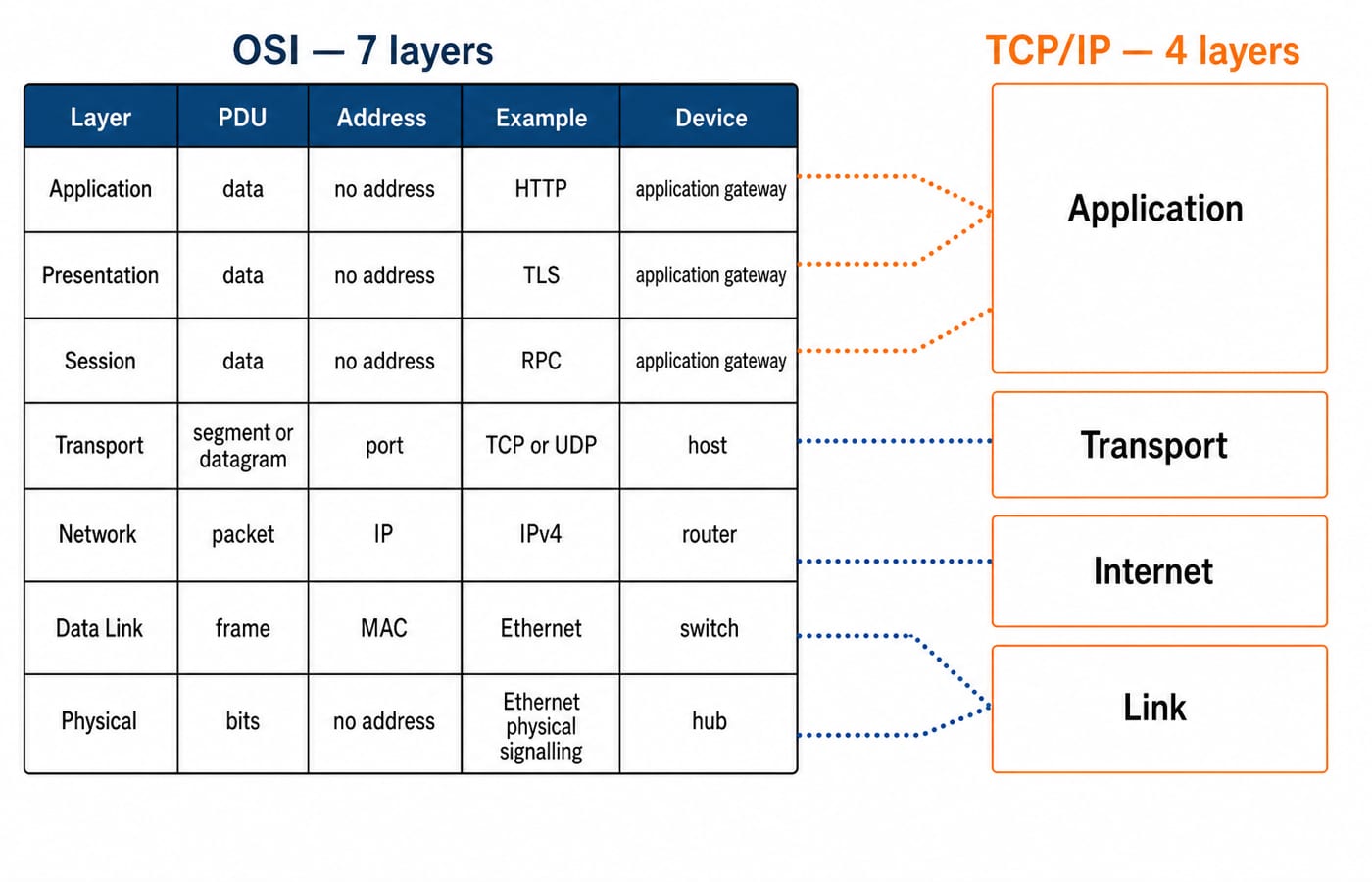
So the absent TCP/IP counterparts are not missing functions. Their work is simply grouped into broader layers. The merge is in the naming only: TCP/IP Transport still carries segments and ports, Internet carries packets and IP addresses and is the router's layer, and Link covers both the frames that carry MAC addresses and the bits on the wire.
What each OSI layer actually does
Most layer-matching questions are answered from one of these seven rows.
OSI layer | Main job | PDU | Address | Examples and devices |
|---|---|---|---|---|
Application | Network services used by applications | Data | None at this layer | HTTP, DNS, SMTP, FTP |
Presentation | Translation, encryption and compression | Data | None | Character encoding, data formats, encryption |
Session | Dialog control and synchronisation checkpoints | Data | None | Session management, RPC concepts |
Transport | End-to-end delivery, ports, reliability, flow and congestion control | TCP segment or UDP datagram | Port | TCP, UDP, end host |
Network | Logical addressing, routing and fragmentation | Packet or datagram | IP | IPv4, IPv6, router |
Data Link | Framing, MAC addressing, hop-to-hop error and flow control | Frame | MAC | Ethernet, switch, bridge, NIC |
Physical | Transmission of raw bits on the medium | Bits | None | Hub, repeater, cable, radio |
The word end-to-end points strongly to Transport. The phrase hop-to-hop points to Data Link. Routing is a Network-layer decision because it chooses a path across networks using logical addresses.
Worked encapsulation trace for one HTTP request
Suppose an application creates an HTTP GET message containing D bytes of data. Follow it down a simple Ethernet, IPv4 and TCP stack, assuming no optional headers or link-layer tags.
Application: HTTP produces
Dbytes of data.Transport: TCP prepends a 20-byte header. It can contain source port 49152 and destination port 80. The segment size is
D + 20bytes.Network: IPv4 prepends a 20-byte header carrying the source and destination IP addresses. The packet size is
D + 20 + 20 = D + 40bytes.Data Link: Ethernet prepends a 14-byte header and appends a 4-byte frame check sequence. The frame size is
D + 40 + 14 + 4 = D + 58bytes.Physical: That complete frame is transmitted as bits.
The arithmetic is 20 bytes of TCP overhead, plus 20 bytes of IPv4 overhead, plus 18 bytes of Ethernet header and trailer, so the protocol overhead is 20 + 20 + 18 = 58 bytes. Ethernet also sends a 7-byte preamble and a 1-byte start frame delimiter ahead of the frame, and pads any frame below the 64-byte minimum, but neither is part of those 58 bytes.
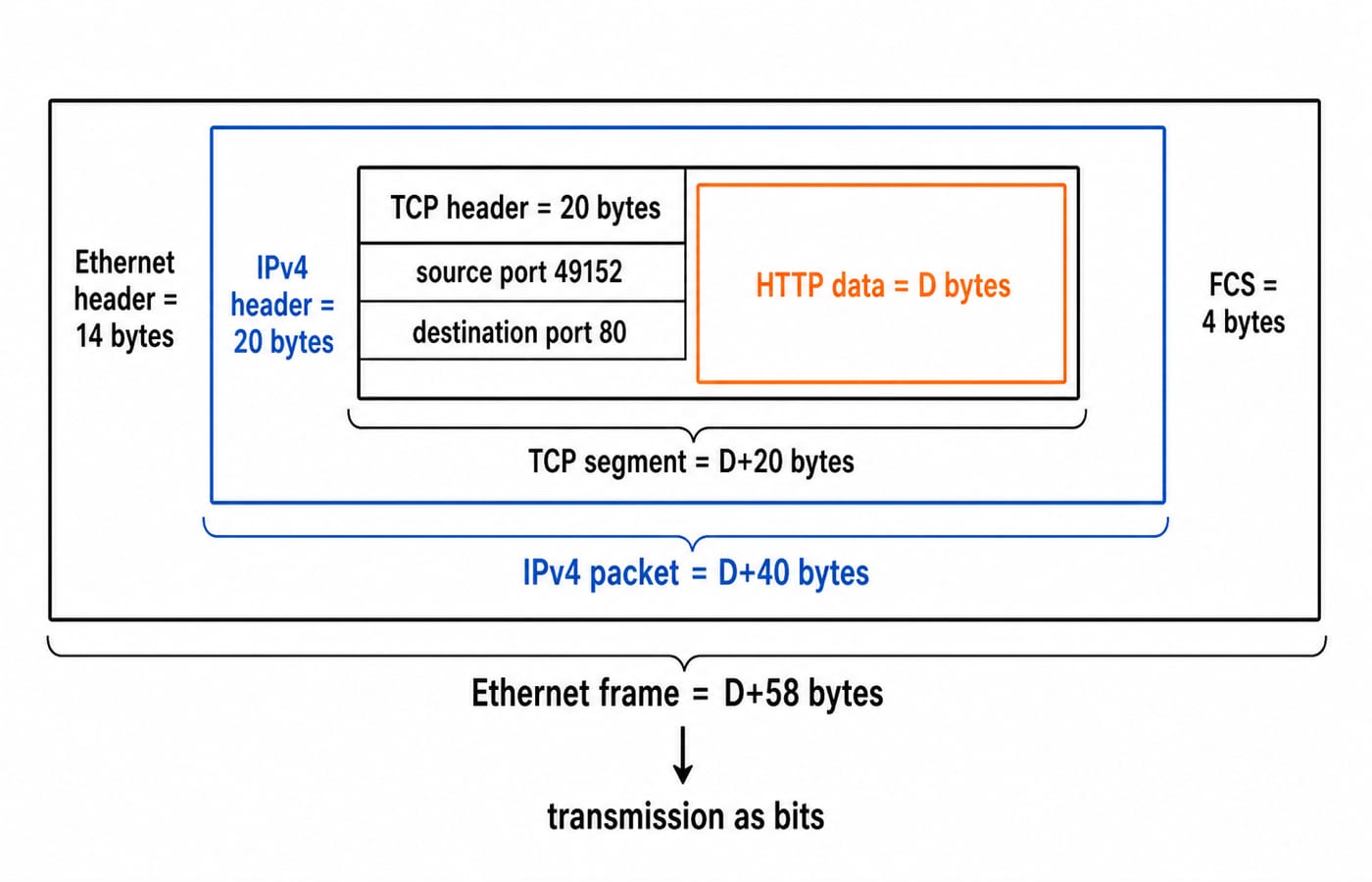
At the receiver, decapsulation happens in reverse. Each peer layer interprets and removes the information added by its counterpart. That is the practical meaning of "layer N communicates with layer N".
Addresses, PDUs and devices in bottom-to-top order
Addresses climb the stack in a clean order:
Data Link uses a MAC address to deliver a frame across the current link.
Network uses an IP address to identify hosts across interconnected networks.
Transport uses a port number to select the correct process on a host.
The PDU order from bottom to top is bits, frame, packet, segment or datagram, then data. A hub or repeater handles signals and bits. A bridge or switch examines frames and MAC addresses. A router examines packets and IP addresses. A gateway is a broader term and may translate protocols across several layers, so do not force every gateway into one narrow row.
For protocol-specific revision, Application Layer Protocols: DNS and HTTP connects the top layer to real request flows. TCP vs UDP: Transport Layer Explained separates the two Transport-layer PDUs and service models.
PYQ traps that mix the layers
Previous-year stems rarely name a layer. They name a symptom, and next to the right layer for that symptom there is always a plausible wrong one.
Routing versus forwarding: routing belongs to the Network layer. A switch forwarding a frame by MAC address is a Data Link operation, not Network-layer routing. Forwarding happens inside a router too, so watch which half the stem asks about: routing builds the table by exchanging reachability information, while forwarding moves one packet to an output port using the table that already exists.
Error and flow control: both can appear at Data Link and Transport. Data Link performs them hop by hop. Transport performs them end to end. The question's scope decides the answer.
Encryption and compression: OSI assigns these to Presentation. TCP/IP folds Presentation into Application, so an application-stack protocol may perform them in practice.
Session management: dialog control and checkpoints belong to OSI Session. TCP/IP has no separately named Session or Presentation layer.
Congestion versus flow control: TCP congestion control protects the network from excessive load. Flow control prevents a fast sender from overwhelming a receiver. Both are associated with Transport in an end-to-end TCP question, but they solve different problems.
Device ceiling: a router operates up to Network, while a normal Layer 2 switch operates up to Data Link. "Up to" matters because each device must still use lower layers to transmit.
How GATE tests layered models
Common formats ask you to match a function, protocol, PDU or device to a layer; arrange the layers; identify the OSI layers folded into TCP/IP; or choose every layer where a repeated function can occur. When the stem says flow control without specifying scope, inspect the options and surrounding words before assuming only one layer.
The Computer Networks topic list for GATE CS is set by the organising IIT for each cycle and released on the official GATE portal. Read the current wording there rather than an old topic list.
KnowledgeGate has more than 2,000 Computer Networks questions across layered models and related topics. Use that depth to practise mixed matches, because isolated layer mnemonics do not train the traps.
The short version and next step
Keep three lines ready: OSI has seven layers while TCP/IP groups them into four; routing is Network and switching is Data Link; error and flow control can occur hop to hop and end to end.
Build the theory in GATE Guidance by Sanchit Sir, then test whether you can apply it under pressure with the GATE Test Series. The wider GATE preparation category keeps this topic connected to the rest of the track.
Keep learning
Computer Networks Hardware Basics: Devices, Domains and Worked Examples
Learn what hubs, switches, routers, gateways and access points actually do, then count network domains and trace frames through a two-LAN topology.
Updated 6 Oct 20266 min readComputer Networks
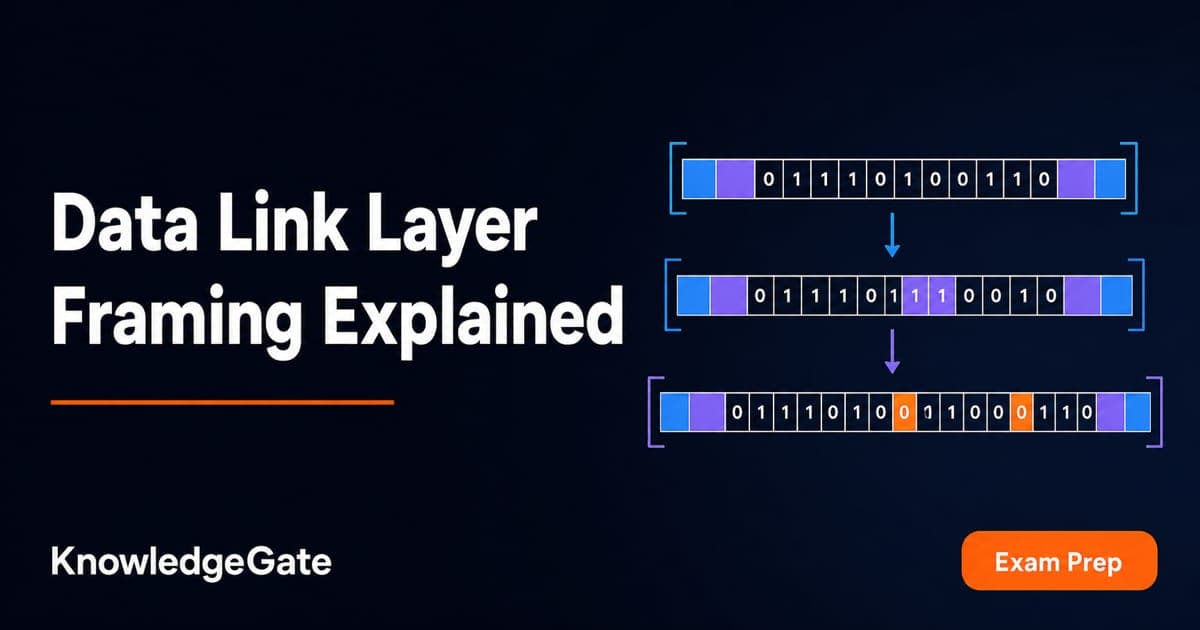
Data Link Layer Framing Explained: Byte Stuffing, Bit Stuffing and a Cross-Concept Numerical
Frame one four-byte payload in two ways, decode it, and then reuse the verified frame sizes in link-load and Stop-and-Wait calculations.
Updated 1 Oct 20266 min readComputer Networks
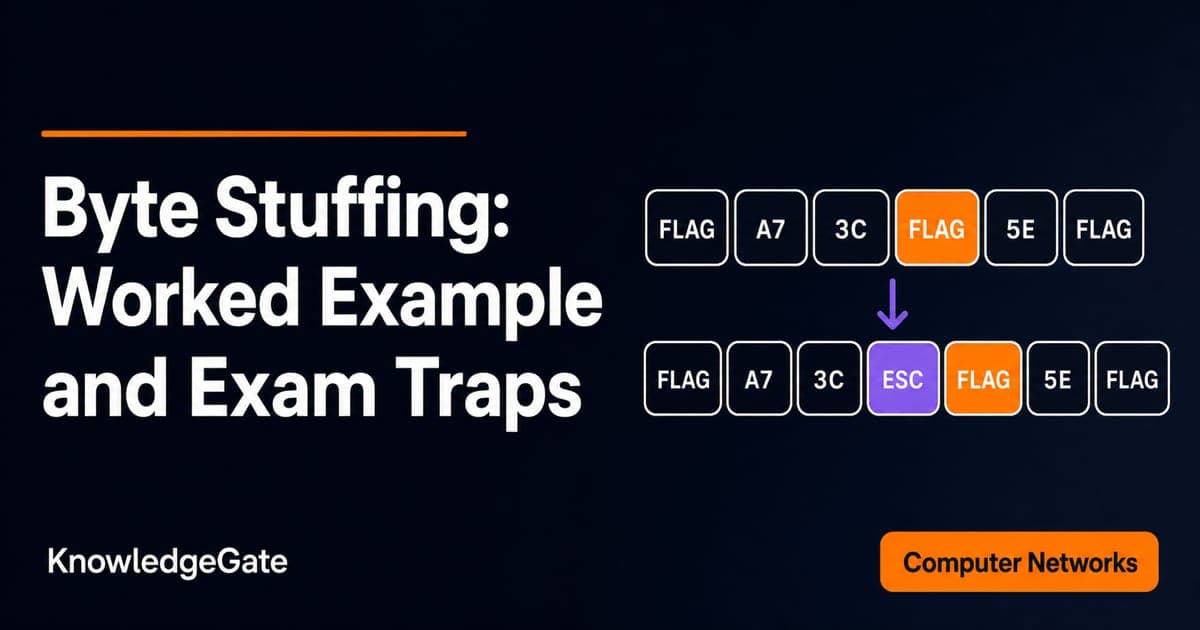
Byte Stuffing in Computer Networks: Worked Framing Example and Exam Traps
Learn a precise byte-stuffing convention, trace a payload containing both FLAG and ESC, reverse it safely, and calculate frame overhead and transmission time.
Updated 26 Sep 20266 min readComputer Networks
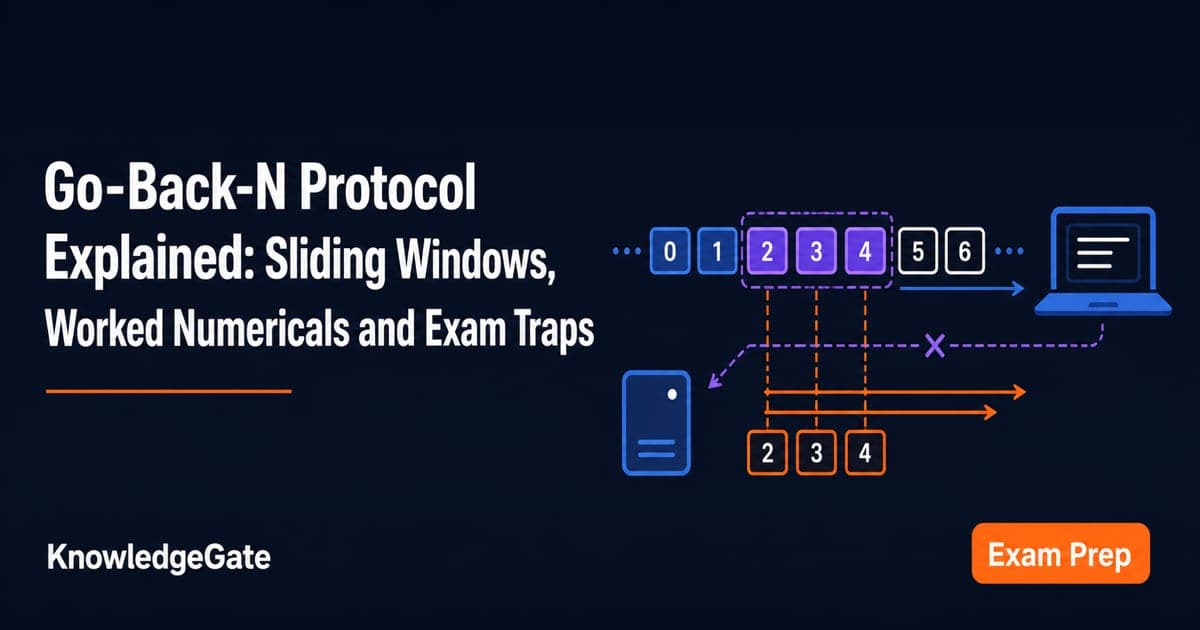
Go-Back-N Protocol Explained: Sliding Windows, Worked Numericals and Exam Traps
Trace Go-Back-N through a lost frame, calculate its legal window and link utilisation, and avoid the ACK and wrap-around traps that spoil numericals.
Updated 24 Sep 20266 min readComputer Networks