Strings in C Tutorial: Declaration, Input, Functions and Worked Examples
Learn how C strings use character arrays and the null terminator, then practise safe input, traversal, reversal, library calls and capacity checks.
KnowledgeGate Team
Exam prep & CS education
Updated 13 Aug 20266 min read
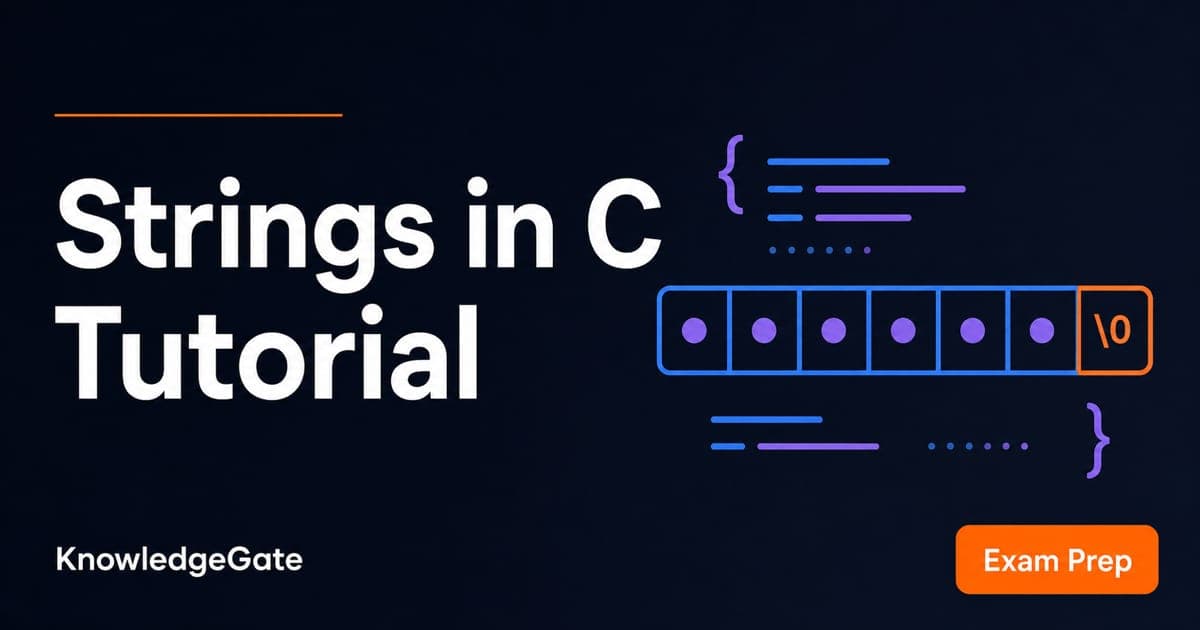
C has no built-in string type. A printed word is really a character array whose end must be represented correctly. Declarations, input, library calls and buffer sizes depend on the terminating null character. That one byte is why sizeof and strlen disagree about the same array, and why a four-letter word needs five cells. If you are learning C inside a placement or GATE sequence, C sits alongside C++, Java, Python and DSA in Coding and DSA Courses for Placements.
Strings in C are character arrays ending with \0
A C string is a sequence of char elements followed by the null character \0. Do not confuse '0', the visible digit zero, with \0, the value that marks the end of a string.
For char word[6] = "GATE";, the cells are 0 = 'G', 1 = 'A', 2 = 'T', 3 = 'E', 4 = '\0' and 5 = '\0'. The string needs five bytes, including its terminator. The array provides a sixth zero-initialised byte. Therefore, sizeof word is 6, while strlen(word) is 4. sizeof measures the complete array, including unused capacity; strlen counts characters only until the first \0.
![Memory strip for char word[6] = "GATE": cells hold G, A, T, E then two \0 bytes, so strlen is 4 and sizeof is 6.](https://cdn.knowledgegate.ai/blog-assets/blog_asset_1784248185047_dicic5.jpg)
Declare and initialise C strings with space for the terminator
These declarations look similar, but their storage and modification rules differ.
Declaration | What it creates |
|---|---|
| Five elements: |
| Eight elements: four letters followed by four zero-valued cells. |
| The same five-element string, built manually. |
| A pointer to a string literal. The literal must not be modified. |
By contrast, char no_term[4] = "CODE"; creates four characters with no room for \0. It is an array, but not a valid C string. Do not pass it to printf("%s"), strlen or any other operation that expects a terminated string. The capacity rule is simple: reserve visible characters + 1. Since "CODE" has four visible characters, it needs at least five elements.
Read and print a line safely with fgets
Use fgets when input can contain spaces. This program reads a bounded line, removes any stored newline, and prints the cleaned length.
#include <stdio.h>
#include <string.h>

int main(void) {
    char name[12];

    if (fgets(name, sizeof name, stdin) != NULL) {
        name[strcspn(name, "\n")] = '\0';
        printf("Name: %s\n", name);
        printf("Length: %zu\n", strlen(name));
    }

    return 0;
}
sizeof name supplies the array capacity, so fgets stores at most 11 characters plus \0. The NULL check prevents processing when no line was read.
Enter Asha Jain and press Enter. Before cleanup, the buffer holds nine name characters, then \n and \0. strcspn(name, "\n") returns index 9; assigning \0 there removes the newline. The result is:
Name: Asha Jain
Length: 9
The width-limited call scanf("%11s", name) would read only Asha because %s stops at whitespace. Keep fgets as the default for a full line. Never use gets.
Traverse, classify and reverse a string one character at a time
Start with char text[] = "Code42";, index i = 0, and continue while text[i] != '\0'. Use the <ctype.h> functions with an unsigned-character conversion:
if (isalpha((unsigned char) text[i])) letters++;
if (isdigit((unsigned char) text[i])) digits++;
Indexes 0 to 3 contain C, o, d, e, so they contribute four letters. Indexes 4 and 5 contain 4 and 2, so they contribute two digits. The exact output is Letters = 4 and Digits = 2.
To reverse char word[] = "GATE";, set left = 0 and right = strlen(word) - 1. Swap while left < right. Swapping indexes 0 and 3 gives EATG; swapping indexes 1 and 2 gives ETAG. The terminator remains at index 4. Traversal stops before \0, and the last visible character of this non-empty string is at strlen(word) - 1.
Use C string library functions only with valid buffers
Library functions assume that source strings have terminators and destination arrays have enough capacity.
Function | Example | Result | Capacity condition |
|---|---|---|---|
|
|
| Source must be terminated |
|
| First is | Both sources must be terminated |
|
|
| Five cells exactly: four characters plus |
|
|
| Ten cells used: nine visible characters plus |
Before copying or concatenating, calculate the required capacity. For an append, the destination needs at least existing length + appended length + 1. In the strcat example, that is 4 + 5 + 1 = 10, which fits inside 12. A manual traversal and a length scan visit characters up to the terminator, an idea that connects directly to Time Complexity and Asymptotic Notation: Big-O.
Pass strings to functions and store multiple strings in a 2D array
An array parameter gives a function access to the first character. Adding const promises that the function will not change those characters.
size_t count_vowels(const char s[]) {
    size_t count = 0;
    for (size_t i = 0; s[i] != '\0'; i++) {
        switch (s[i]) {
            case 'a': case 'e': case 'i': case 'o': case 'u':
                count++;
                break;
        }
    }
    return count;
}
For "education", the matches are indexes 0 = e, 2 = u, 4 = a, 6 = i and 7 = o, so count_vowels("education") returns 5. The terminator provides the stopping point, so this function needs no separate length.
Now declare char cities[3][8] = {"Pune", "Delhi", "Kota"};. The complete array is 3 x 8 = 24 bytes because every element is a char. The row string lengths are 4, 5 and 4. Each row has its own terminator, followed by zero-filled spare cells.
![Grid for char cities[3][8] holding "Pune", "Delhi" and "Kota", each row null-padded across 8 cells for 24 bytes total.](https://cdn.knowledgegate.ai/blog-assets/blog_asset_1784248185650_fao9b5.jpg)
Common C string errors and four answer-checked exercises
Capacity and termination mistakes often compile, then fail when a string operation reads or writes beyond the valid array.
Mistake | What goes wrong | Repair |
|---|---|---|
| There is no terminator. | Use capacity |
| Eight visible characters need | Use at least |
| Modifying a string literal has undefined behaviour. | Use |
| It compares the addresses reached after array-to-pointer conversion. | Use |
Try before checking:
A palindrome test returns true for
leveland false forgate.The word count of
C strings need careis4.The frequency of
aindata structuresis2.Joining
Ada, one space andLovelaceproducesAda Lovelace. Its visible length is3 + 1 + 8 = 12, so the destination needs13cells.
For more practice, work through Character Pointer (String) MCQs in C: 12 Solved. Use them to test the rules, not to replace tracing by hand.
Strings in C: the short version and next step
Keep six checks close: allocate room for \0; use fgets for full-line input; stop loops at the terminator; compare contents with strcmp; calculate destination capacity before copying or concatenating; treat string literals as read-only. Your self-check results are strlen("GATE") = 4, sizeof word = 6, Asha Jain length 9, Code42 as four letters and two digits, and reversed GATE as ETAG.
Follow the C Language Course: Concepts, MCQs and Coding for a structured language sequence. When you move from single strings to how an array name behaves inside an expression, Arrays and Strings in C: Decay, sizeof and 2D Addresses continues the same memory picture.
Keep learning
ctype.h Functions in C: Classify Characters and Convert Case Safely
Learn which character test to choose, trace a complete C classifier, and avoid signed-char and EOF mistakes. Worked examples separate classification from case conversion.
Updated 5 Oct 20266 min readC
Key Features of the C Programming Language: Code Examples
What do C's features actually do in a program? Follow an even-number sum and a pointer update, then test your understanding with small code changes.
Updated 30 Sep 20266 min readC
Preprocessor and Macros in C: Expansion Rules and Worked Examples
Learn what happens before C compilation, expand object-like and function-like macros by hand, and avoid precedence and repeated-evaluation bugs.
Updated 18 Sep 20266 min readC
Variables and Data Types in C: Declarations, Conversions and Runnable Examples
Learn how C types control stored values, expressions and I/O. Compile a complete marks program, trace its conversions and repair common type mistakes.
Updated 17 Sep 20266 min readC