Cloud Storage and Databases Explained: Models, Replication and Worked Examples
Understand when to use object, block or file storage and when a database fits better. Follow two reproducible examples for IoT capacity and replica quorums.
KnowledgeGate Team
Exam prep & CS education
Updated 19 Sep 20266 min read
Cloud storage and a cloud database both persist data, but they solve different access problems. Confusing them leads to poor designs and wrong exam answers. Cloud storage persists bytes, cloud databases organise records and answer queries, the IoT workload can be calculated from its rate, and quorum overlap can be tested with read and write settings. The calculations use explicit teaching assumptions rather than vendor-specific limits.
Cloud storage and cloud databases are different layers
Cloud storage persists bytes. A cloud database organises records, enforces a data model and answers queries. A database may run on block storage and send backups to object storage, so the layers are complementary.
This article focuses on storage and database choices after the data arrives. Computer Networks explains how routing, transport protocols and reliability carry a sensor reading to the ingestion service. The ingestion service validates it, an operational database serves recent lookups, and object storage retains the raw archive.
The deciding question is about access. Does the workload retrieve a byte object by key, update fixed-size blocks, share files through paths, or query fields and relationships?
Cloud storage models: object, block and file storage
The three common storage models expose different access units.
Model | Access unit | Namespace | Best-fit workload | Poor fit |
|---|---|---|---|---|
Object | Whole object plus metadata | Key | Logs, media, backups, archives | In-place block updates and file locking |
Block | Fixed-size block | Block addresses exposed to a host | Database volumes, low-latency random I/O | Direct human file sharing |
File | File | Directories and paths | Shared files, lift-and-shift applications | Massive flat object archives |
For example, telemetry/2026-07-19/sensor-417.json is one object key. Logical block 8,192 identifies a block on a database volume. /shared/reports/july.csv is a file path. Provider internals may differ, but object keys, block addresses and file paths still represent distinct access semantics.
The common trap is treating object storage as a remote disk. Replacing a whole object, updating a block and locking a shared file are different operations.
Cloud database models: relational, document, key-value and time-series
Choose a database model by query shape:
A relational database supports structured tables, joins, constraints and transactions.
A document database suits self-contained JSON-like records whose fields may evolve.
A key-value database suits direct lookups, such as retrieving a session's state by its session identifier.
A time-series database suits timestamped measurements, retention policies and range queries.
Managed database describes who operates patching, backups and failover. Relational, document, key-value and time-series describe the data model. Managed does not automatically mean NoSQL.
For the IoT system, a time-series or suitably indexed relational database can serve recent readings. The raw monthly export belongs in object storage. This article shows where the database fits beside cloud storage; DBMS teaches relational models, keys, joins, indexing, normalisation and transaction control in depth.
Cloud storage worked example: size an IoT hot store and archive
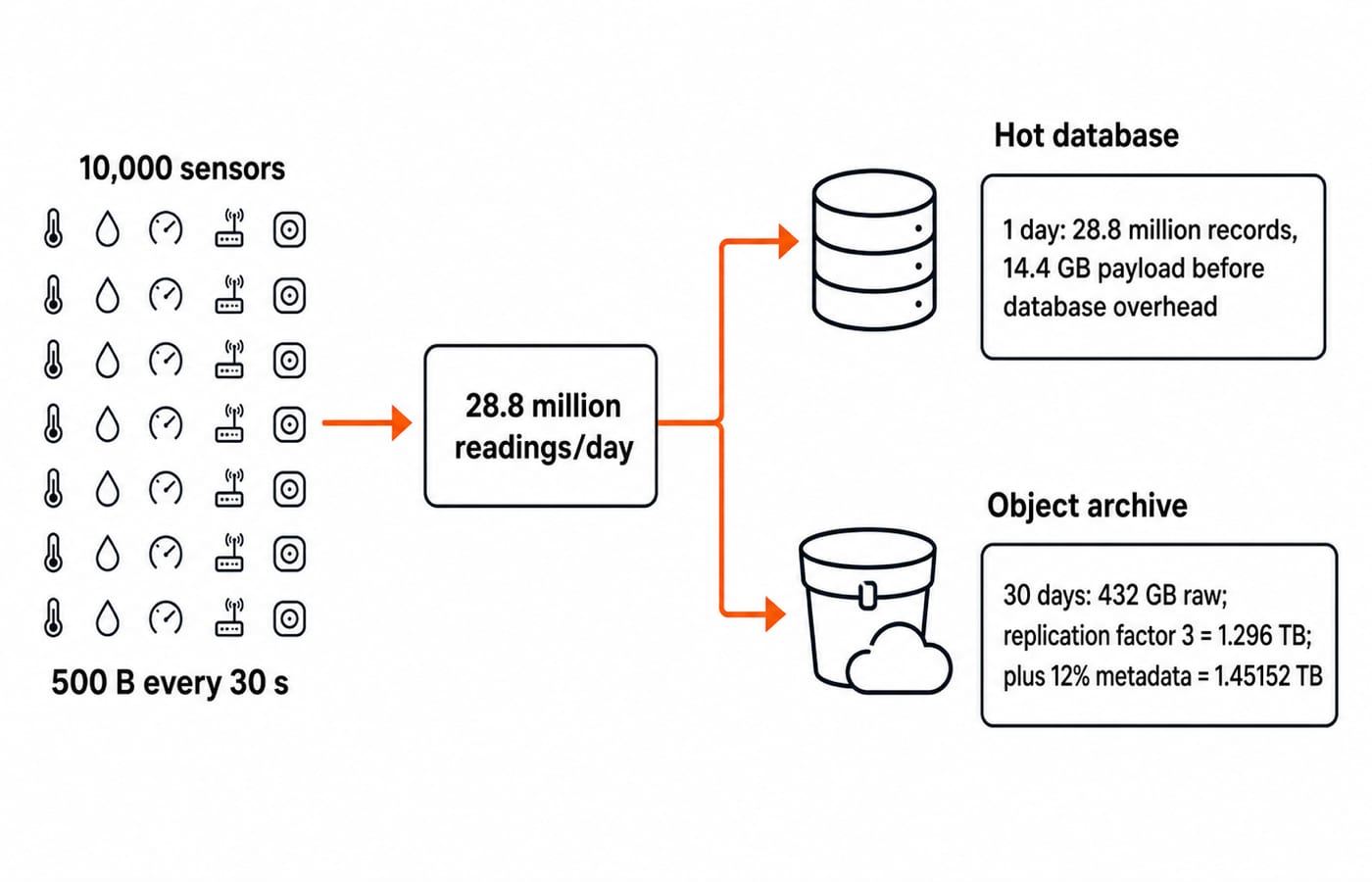
Assume 10,000 sensors. Each produces one 500-byte reading every 30 seconds. Use decimal units, where 1 GB = 10^9 bytes and 1 TB = 10^12 bytes. Retain a 30-day raw archive with replication factor 3, then add metadata overhead equal to 12% of the replicated payload. Ignore compression.
Calculate one layer at a time:
Readings per sensor per day:
86,400 / 30 = 2,880.Total readings per day:
10,000 x 2,880 = 28,800,000.Raw bytes per day:
28,800,000 x 500 = 14,400,000,000 bytes = 14.4 GB.Raw bytes for 30 days:
14.4 x 30 = 432 GB.Physical payload after replication:
432 x 3 = 1,296 GB = 1.296 TB.Metadata overhead:
1.296 x 0.12 = 0.15552 TB.Total physical storage:
1.296 + 0.15552 = 1.45152 TB, equivalently1.296 x 1.12 = 1.45152 TB.
Keep the newest day in the operational database. That is 28.8 million records and 14.4 GB of payload before database overhead. Index or partition by sensor and time so sensor 417's latest ten readings do not require scanning the archive.
The result, 1.45152 TB, is physical storage under these assumptions. It is not a cloud bill or a universal replication rule.
Cloud database scale and failure control: replication, sharding and consistency
Replication copies the same data for availability and read scaling. Sharding divides key ranges or hash partitions across nodes for capacity and throughput. A replica is not a backup because a deletion or bad write can propagate to every copy.
Under a stated strong-consistency model, a read after an acknowledged write returns the latest committed value. An eventually consistent replica may briefly return an older value.
CAP matters when communication between replica groups is lost. Preserving consistency may reject or delay operations. Preserving availability may accept operations that need reconciliation. A database does not permanently choose two properties during normal operation.
Cloud database worked example: quorum overlap and a stale read
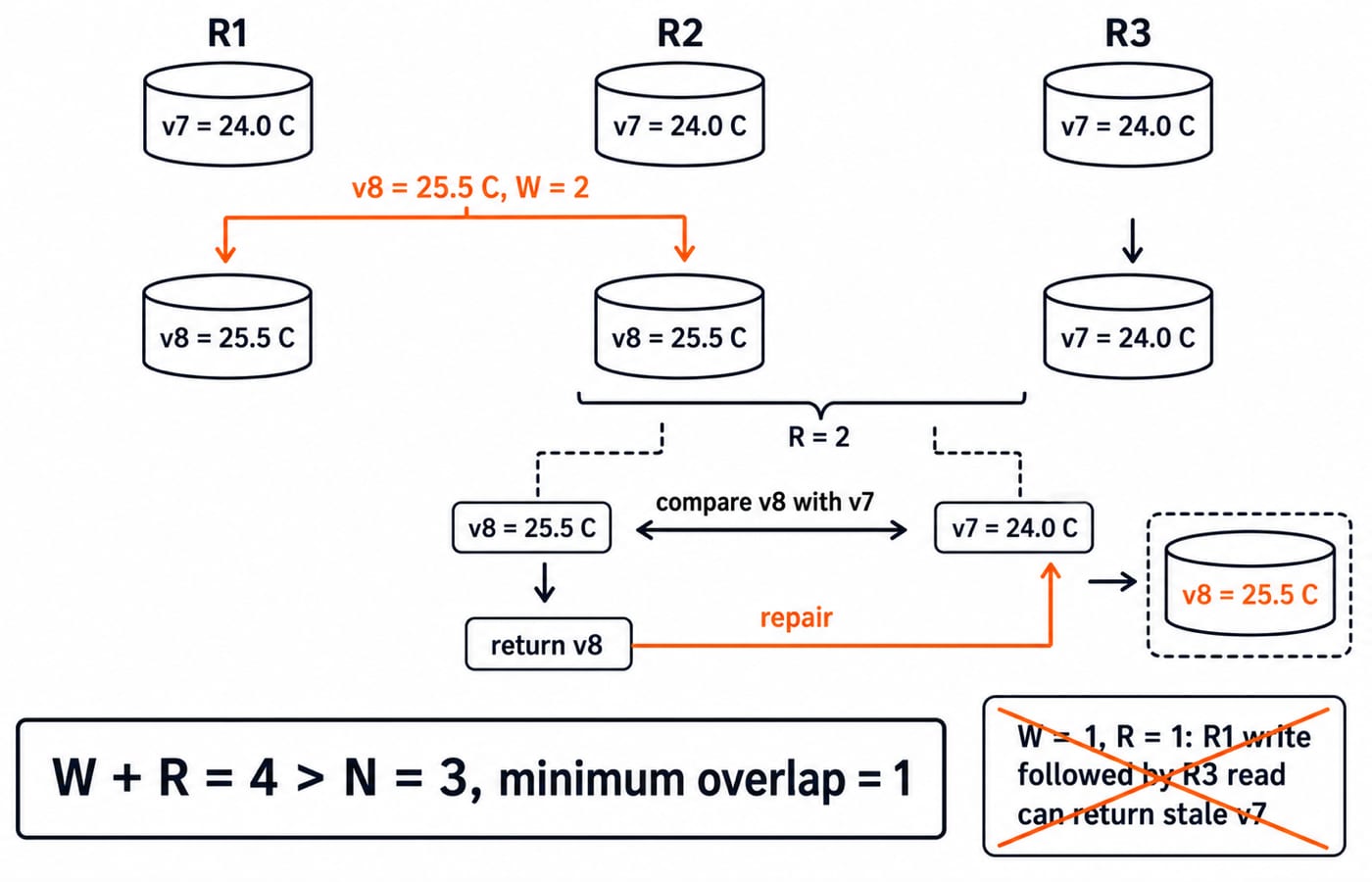
Take three replicas, so N = 3. Initially all hold v7, temperature 24.0 C. A client writes v8, temperature 25.5 C, to R1 and R2 while R3 remains on v7. With W = 2, the system acknowledges.
Now set R = 2 and read R2 plus R3. They return v8 = 25.5 C and v7 = 24.0 C. Using the stated monotonically increasing version rule, the reader selects v8, returns 25.5 C, and repairs R3.
The intersection arithmetic is:
W + R = 2 + 2 = 4.4 > N, becauseN = 3.Minimum overlap:
W + R - N = 4 - 3 = 1replica.
Contrast that with W = 1 and R = 1. Here W + R = 2 <= 3. A write stored only by R1 can be followed by a read only from R3, which returns stale v7 = 24.0 C.
Quorum overlap alone does not make every real database linearizable. Version rules, conflict resolution, clocks and failure handling still matter.
Cloud storage and database exam patterns and common traps
Shared-directory access, replicated size, backup independence and quorum overlap are the key checks.
Which model suits a shared directory used by several application servers? File storage, because the workload uses files, paths and shared directory semantics.
What is the replicated size of a 432 GB payload at replication factor 3, before metadata?
1,296 GB, because432 x 3 = 1,296.Does replication replace a backup? No. The same bad write or deletion can reach all replicas, while an independent backup supports recovery to an earlier state.
For
N = 5,W = 3andR = 3, must the quorums intersect in this simplified model? Yes.W + R = 6 > 5, so their minimum overlap is6 - 5 = 1replica.
Keep five traps separate. Cloud storage is not automatically a database. A managed database is not automatically NoSQL. Replication is not an independent backup. Sharding does not put every row on every node. Finally, W + R > N establishes overlap in this simplified quorum model, not every database consistency property.
The short version: choose by access pattern and failure requirement
Ask four questions: What is the access unit? Which query must be fast? How much data and retention are required? What should happen during a network partition or replica failure?
In the worked design, an indexed database holds hot sensor readings, object storage keeps raw history, replicas improve availability, and an explicit consistency rule controls reads. For a broader learning sequence, use CS Fundamentals for Placements by Sanchit Sir. The CS Fundamentals for Exams & Placements category is the non-course route through related topics.
Keep learning
Computer Networks Hardware Basics: Devices, Domains and Worked Examples
Learn what hubs, switches, routers, gateways and access points actually do, then count network domains and trace frames through a two-LAN topology.
Updated 6 Oct 20266 min readComputer Networks
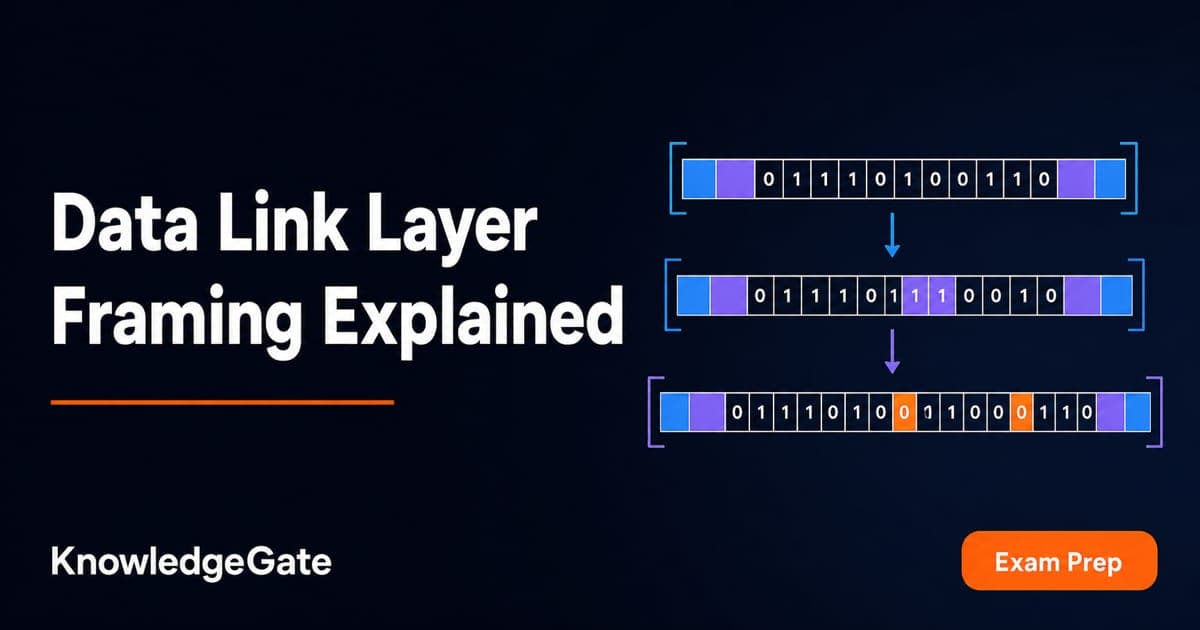
Data Link Layer Framing Explained: Byte Stuffing, Bit Stuffing and a Cross-Concept Numerical
Frame one four-byte payload in two ways, decode it, and then reuse the verified frame sizes in link-load and Stop-and-Wait calculations.
Updated 1 Oct 20266 min readComputer Networks
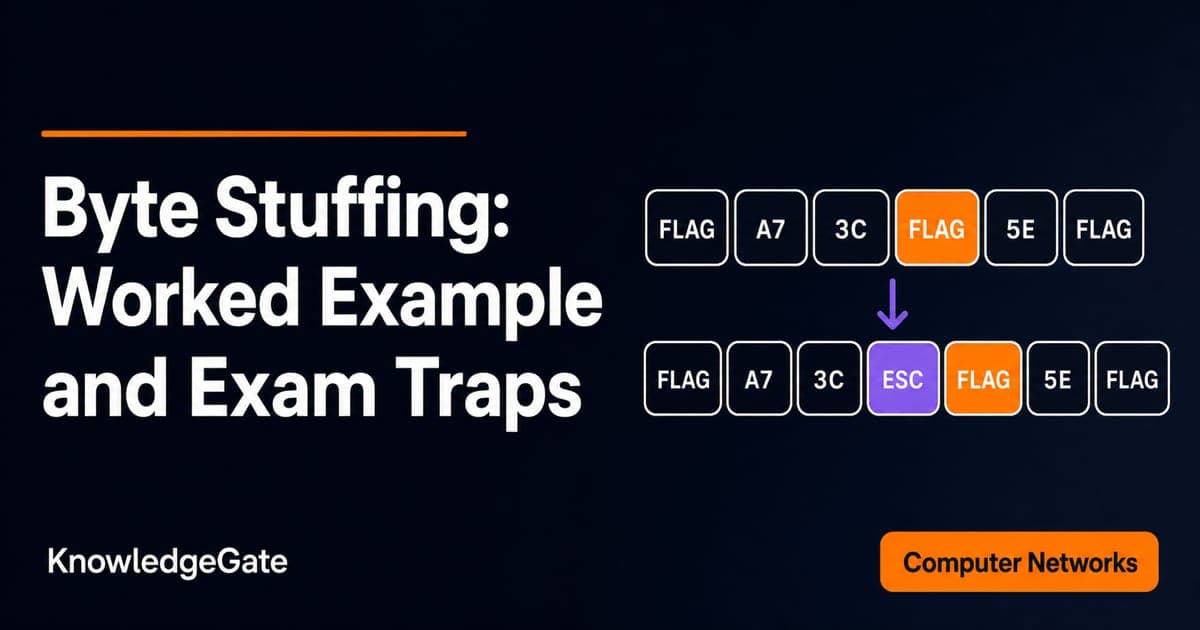
Byte Stuffing in Computer Networks: Worked Framing Example and Exam Traps
Learn a precise byte-stuffing convention, trace a payload containing both FLAG and ESC, reverse it safely, and calculate frame overhead and transmission time.
Updated 26 Sep 20266 min readComputer Networks
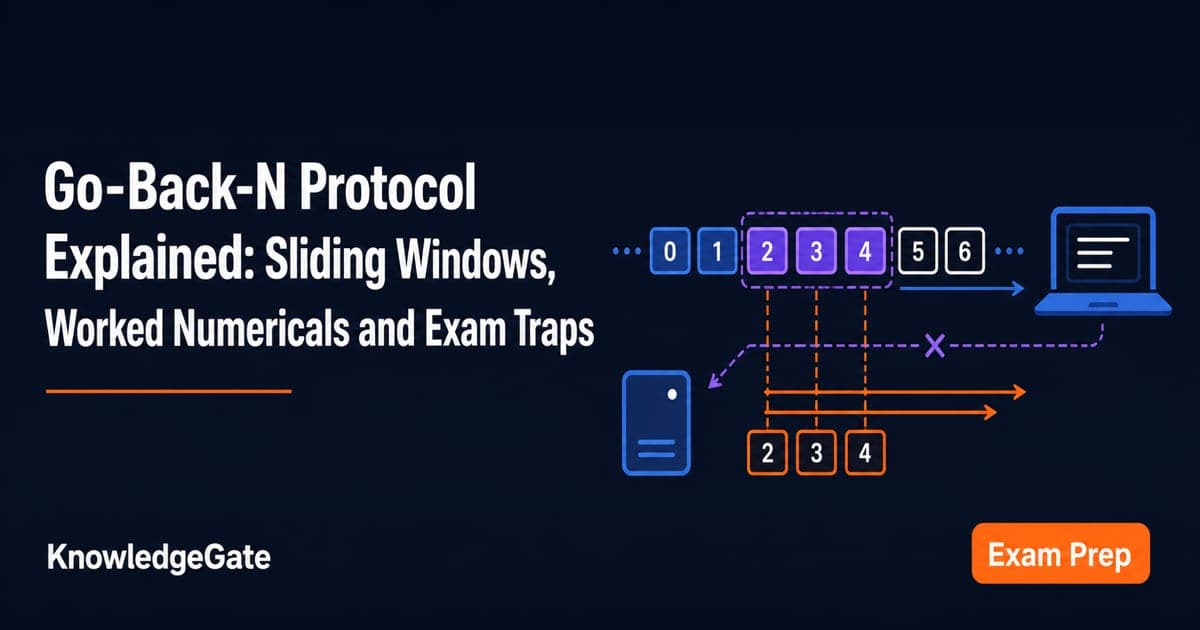
Go-Back-N Protocol Explained: Sliding Windows, Worked Numericals and Exam Traps
Trace Go-Back-N through a lost frame, calculate its legal window and link utilisation, and avoid the ACK and wrap-around traps that spoil numericals.
Updated 24 Sep 20266 min readComputer Networks