Resume Checklist: What Must Be Included and What Must Be Left Out
KnowledgeGate Team
Exam prep & CS education
3 Oct 20264 min read
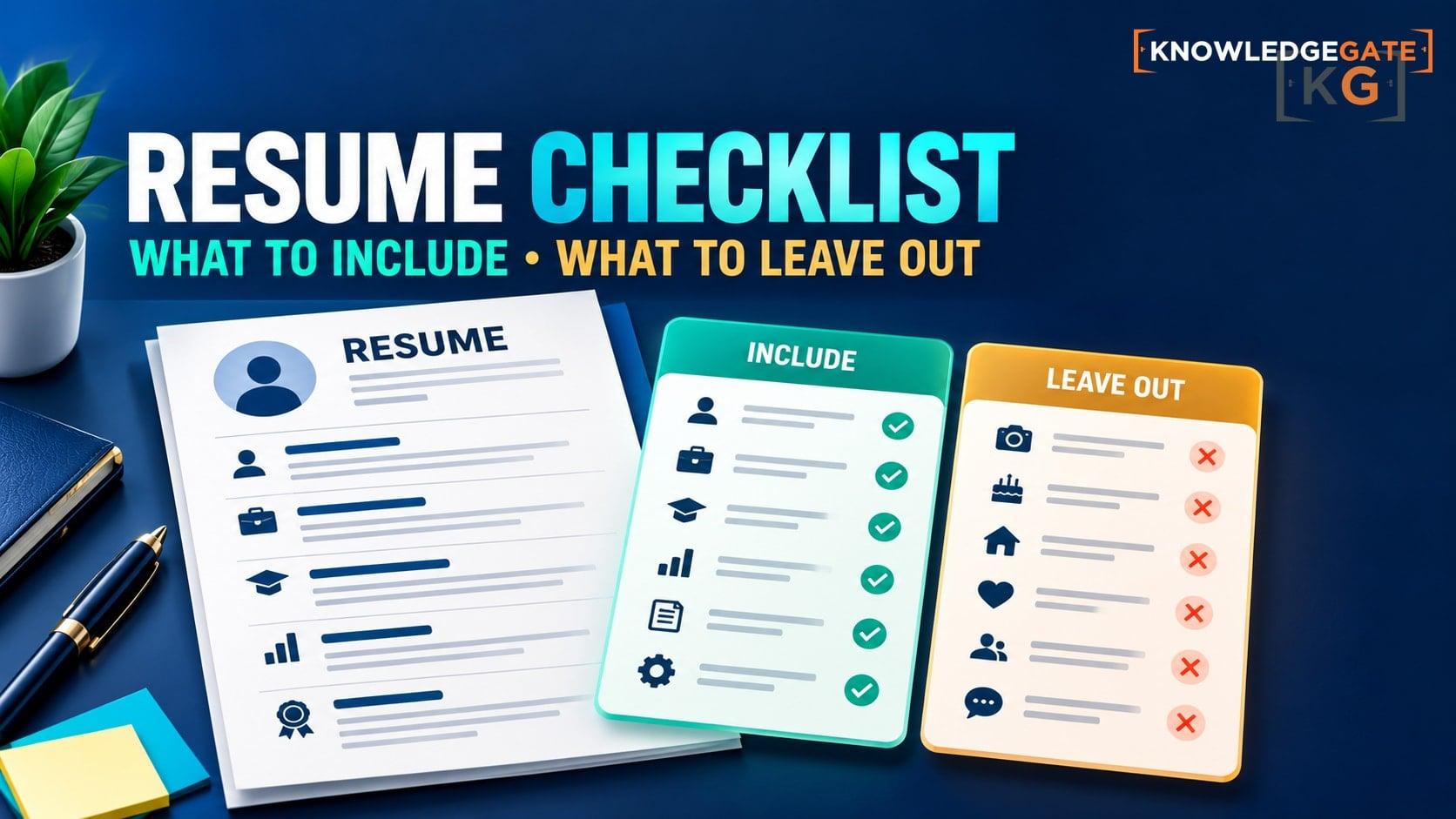
Crafting a modern, job-winning resume isn't just about listing your work history; it's about showcasing your value clearly and concisely.
With Applicant Tracking Systems (ATS) filtering out candidates and hiring managers scanning resumes in an average of 6 to 7 seconds, every line on your resume must serve a purpose.
To stand out, you need to know what adds weight to your application and what pulls it down. Here is a comprehensive comparison guide on what you must include versus what you must leave out of your resume.
1. Contact Information & Online Presence
Your contact section should make it effortless for recruiters to reach you and review your professional portfolio.
Must Include | Must NOT Include |
Full Name & Target Title: First and last name, along with a professional header (e.g., Data Analyst). | Full Home Address: Street address, apartment number, or zip code (this poses privacy and security risks). |
Professional Email Address: A simple email like | Unprofessional Emails: Avoid old or casual email handles (e.g., |
Phone Number & City/State: Primary phone number and general location (e.g., Austin, TX or Remote). | Personal Demographics: Marital status, age, date of birth, religion, or national identification numbers. |
Optimized LinkedIn URL: A customized, clean link to your active LinkedIn profile. | Headshots or Photos: Unless applying for modeling/acting or working in specific overseas markets, photos can trigger bias or ATS rejection. |
2. Professional Summary vs. Objective Statement
The top section sets the context for your entire resume.
Must Include | Must NOT Include |
A Strong Professional Summary: 2–3 sentences highlighting your top achievements, core skills, and total years of experience relevant to the target role. | An Objective Statement: Outdated statements focusing on what you want from the employer (e.g., "Looking for an entry-level position to grow my skills"). |
Value-Driven Statements: How your expertise directly addresses the employer's needs and pain points. | Vague Self-Praises: Generic claims without backing, such as "Hardworking team player with a positive attitude." |
3. Work Experience & Achievements
This is the core of your resume. Recruiters want to see impact, not just a job description.
Must Include | Must NOT Include |
Action Verbs & Metrics: Start bullet points with strong action verbs and quantify results (e.g., "Increased sales revenue by 35% in Q3" instead of "Responsible for sales"). | Passive Task Lists: Copy-pasted job responsibilities that read like a job description rather than accomplishment bullet points. |
Relevant Experience (Last 10–15 Years): Focus on positions directly relevant to the role you are applying for. | Irrelevant or Ancient Jobs: Summer jobs from high school or roles older than 10–15 years (unless directly relevant to a career change). |
Reverse Chronological Order: List your current or most recent job first, followed by previous roles. | Unexplained Employment Gaps: Sudden timeline gaps without context (briefly label sabbatical, caregiving, or further education if needed). |
4. Skills & Technical Proficiency
Keep your skills section focused, honest, and ATS-friendly.
Must Include | Must NOT Include |
Hard Skills & Tools: Role-specific software, languages, frameworks, or certifications (e.g., Python, Salesforce, SEO, Financial Modeling). | Basic Everyday Skills: Standard tools everyone assumes you know, like Microsoft Word, Email, or Web Browsing. |
ATS Keywords: Specific keywords mentioned in the target job posting to pass automated screening filters. | Visual Skill Rating Bars: Skill levels shown as 4/5 stars or percentage bars—ATS parsers cannot read these graphics accurately. |
Contextualized Soft Skills: Demonstrate soft skills (leadership, problem-solving) inside your experience bullet points with concrete examples. | Standalone Soft Skill Buzzwords: Throwaway lists containing terms like "Punctual," "Motivated," "Creative," or "Detail-oriented." |
5. Education, Certifications & Formatting
How you present your information matters as much as the information itself.
Must Include | Must NOT Include |
Education & Relevant Certifications: Degree name, institution, graduation year (if recent), and professional credentials. | High School Information: High school diploma or GPA details once you have earned a college degree or gained relevant experience. |
Clean, Scannable Formatting: Simple fonts (Arial, Calibri, Helvetica), consistent spacing, standard 1-inch margins, and bullet points. | Flashy Graphics & Multi-Columns: Complex graphics, tables, text boxes, or multi-column layouts that break ATS parsing. |
PDF Format (or Word): Save as PDF to preserve formatting unless the employer explicitly requests | Typos & Grammatical Errors: Spelling mistakes, tense mismatches, or inconsistent formatting (always proofread or run through a spell checker). |
Concise Length: 1 page for entry-to-mid level roles; max 2 pages for senior or extensive experience. | "References Available Upon Request": This phrase is redundant and wastes valuable resume space. |
Final Takeaway
A successful resume focuses on quality over quantity. Every line should show an employer why you are uniquely qualified for their specific role. Strip away outdated clutter, highlight measurable achievements, and keep the design clean and readable for both human recruiters and automated systems.
Keep learning
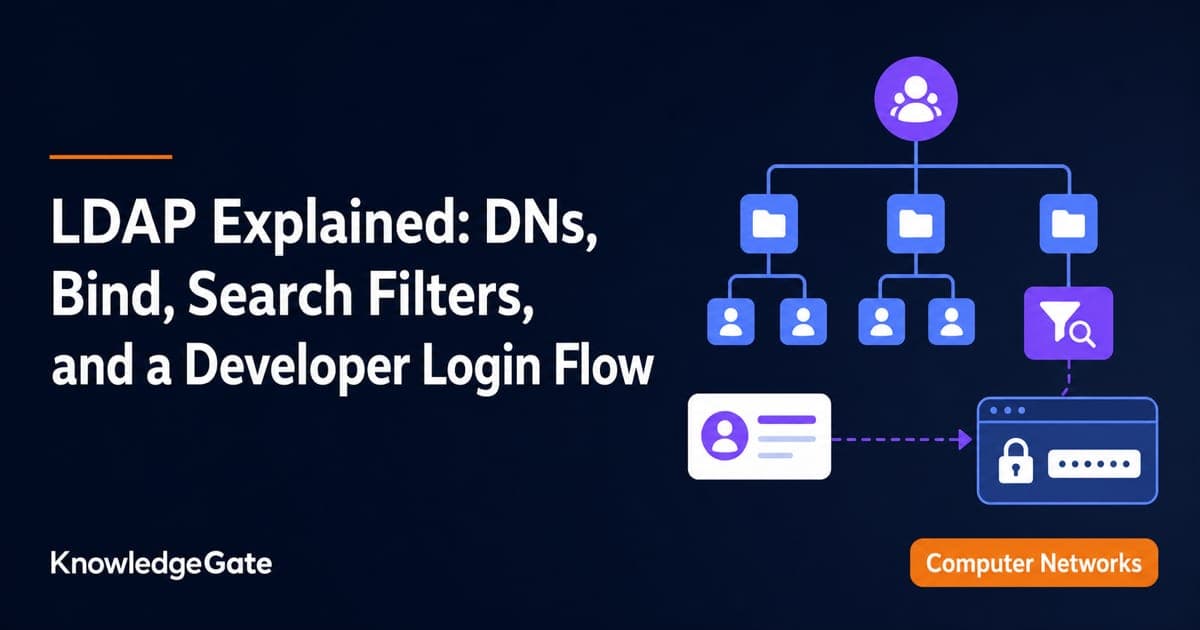
LDAP Explained: DNs, Bind, Search Filters, and a Developer Login Flow
Build one LDAP mental model from directory tree to login. Trace a service bind, escaped user search, password-verifying user bind, and group-based role check.
Updated 13 Aug 20265 min readPlacement Preparation

Group Discussion Rounds for Placements: How GD Is Scored and How to Prepare Topics
Speaking more is not the same as scoring more in a GD. Learn what panels observe, how to prepare topic notes, and how to practise useful contributions.
11 Aug 20266 min readPlacement Preparation
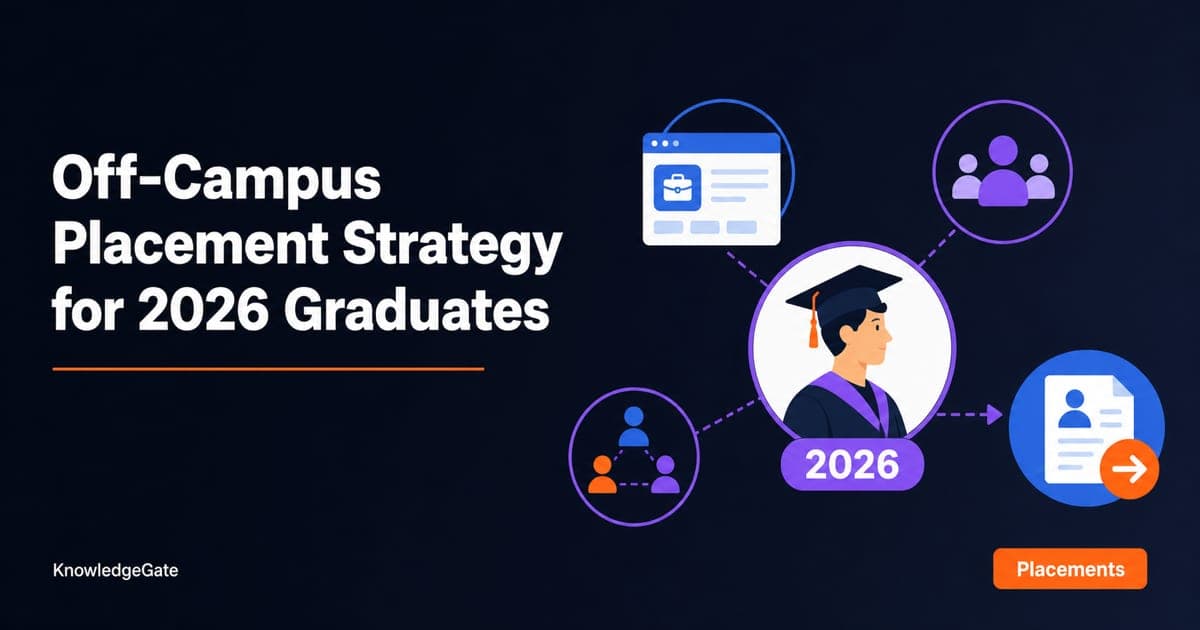
Off-Campus Placement Strategy for 2026 Graduates: Drives, Portals and Referrals That Work
Turn off-campus hiring into a weekly operating system that keeps drives, portals, referrals, follow-ups, and skill preparation moving together.
9 Aug 20267 min readPlacement Preparation
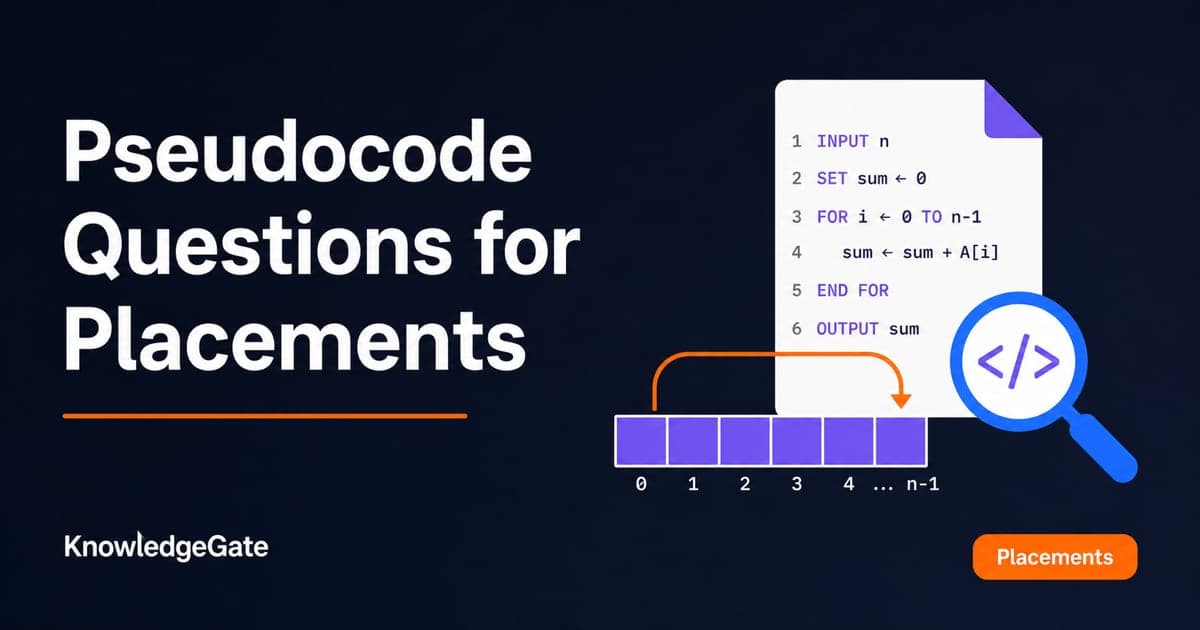
Pseudocode Questions for Placements: Solved Traces for Arrays, Strings and Loops
Learn a paper-based trace method for placement pseudocode, then apply it to bubble sort, string reversal, digit reversal and 22 more recurring question shapes.
Updated 7 Aug 20265 min readPlacement Preparation